Need help?
Do you have a question about the Navitel R600 and is the answer not in the manual?
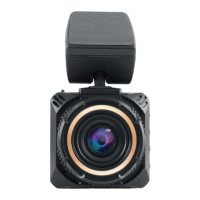
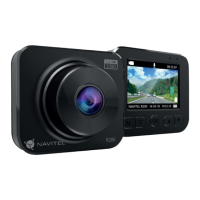
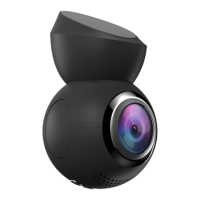
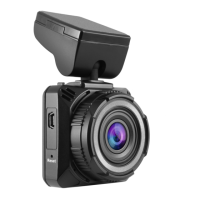
Overview of the physical components and their placement on the device.
Procedures for formatting the microSD card for proper device operation.
How to record video, capture photos, and manage audio recording.
Details on locking files and enabling loop recording for continuous storage.
Information on G-sensor, parking monitor, and battery status.
Covers LCD screen settings, GPS location, and USB connection.
 General
| Product color | Black |
|---|---|
| G-shock sensor | Yes |
| GPS (satellite) | - |
| Number of cameras | 1 |
| Main camera sensor | CMOS |
| Maximum frame rate | 30 fps |
| Main camera resolution | 1920 x 1080 pixels |
| Main camera viewing angle | 170 ° |
| Display diagonal | 2 \ |
| Display resolution (numeric) | 960 pixels |
| Built-in storage media | No |
| Compatible memory cards | MicroSD (TransFlash) |
| Maximum memory card size | 256 GB |
| Output voltage | 3.7 V |
| Battery capacity | 360 mAh |
| Power source type | Battery, Cigar lighter |
| Image formats supported | JPG |
 Weight and Dimensions
| Depth | 51 mm |
|---|---|
| Width | 54 mm |
| Height | 32 mm |
| Weight | 69 g |

 To Next Page