Need help?
Do you have a question about the Navitel R200 and is the answer not in the manual?
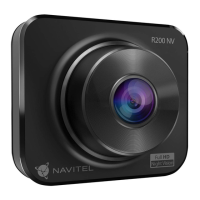
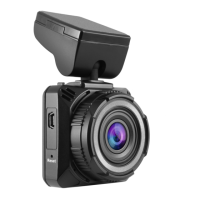
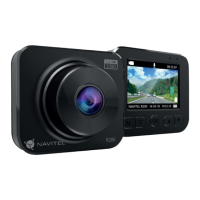
Identifies key parts like card slot, display, buttons, ports, and indicators.
Technical details of the device's hardware and performance capabilities.
Details operations for Power, OK, Mode, Navigation, and M buttons.
Procedure for resetting the device if unresponsive.
Covers video recording, photo capture, and loop recording settings.
Viewing recordings, locking files, and managing playback.
Details G-sensor, Parking Monitor, and Date Stamp functions.
Visual guide for mounting and connecting the device.
Information on battery charging indicator and screen saver function.
Guidelines for safe operation while driving.
General safety rules regarding device handling and environment.
 General
| Resolution | 1920x1080 |
|---|---|
| Lens | 4-layer glass lens |
| Frame Rate | 30 fps |
| GPS | No |
| Display | 2-inch LCD |
| Video Format | MOV |
| Memory Card Support | microSD, up to 64 GB |
| Battery | 180 mAh |
| Image Format | JPG |
| Features | Motion detection |
| Power | 5V, 1A |
| Viewing Angle | 140° |

 To Next Page