11
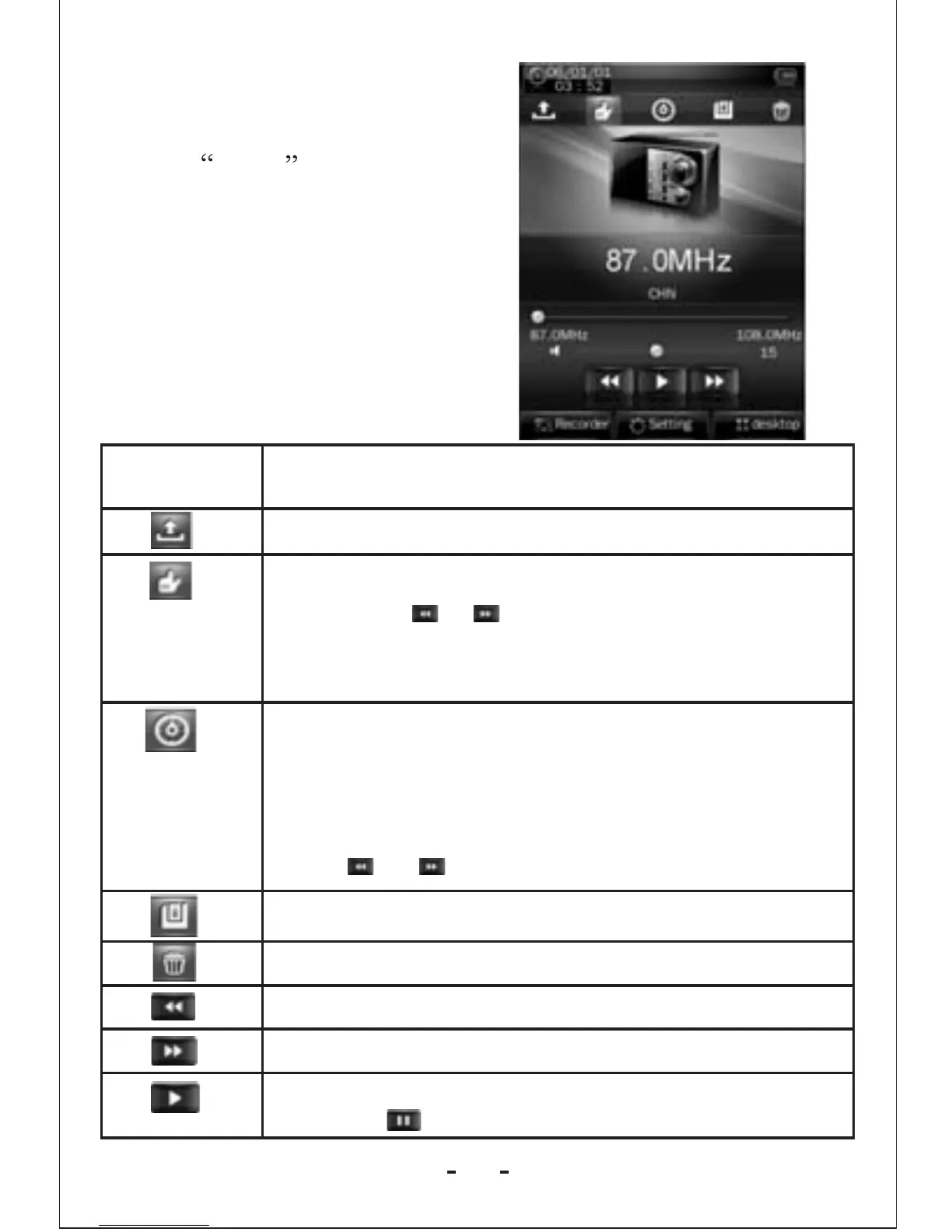
1.In the main interface,
click the Radio icon to
enter radio Mode.
2.If no headphone, the player
will prompt the user to insert a
headphone.
Radio Mode
Button/Icon
Description
Radio channel list,click to show radio channel list.
Manual search: click to enter manual s earch mode
; short press or button to manually search up
/down for radio channels, and the player is mute
where no channel being found.
Auto search: click to enter auto search mode. All
channels can be automatically searched and saved.
After search is completed, the player will play
radio at the preset channel1.During channelsearch
, click or button to stop auto search.
Save channel
Delete channel
Change to channel of lower frequency
Change to channel of higher frequency
Radio mode change: click and the button will
change to , and channel search will be paused.



 To Next Page