Enter FM station recording interface
Select frequency range: China, Japan, Europe and US.
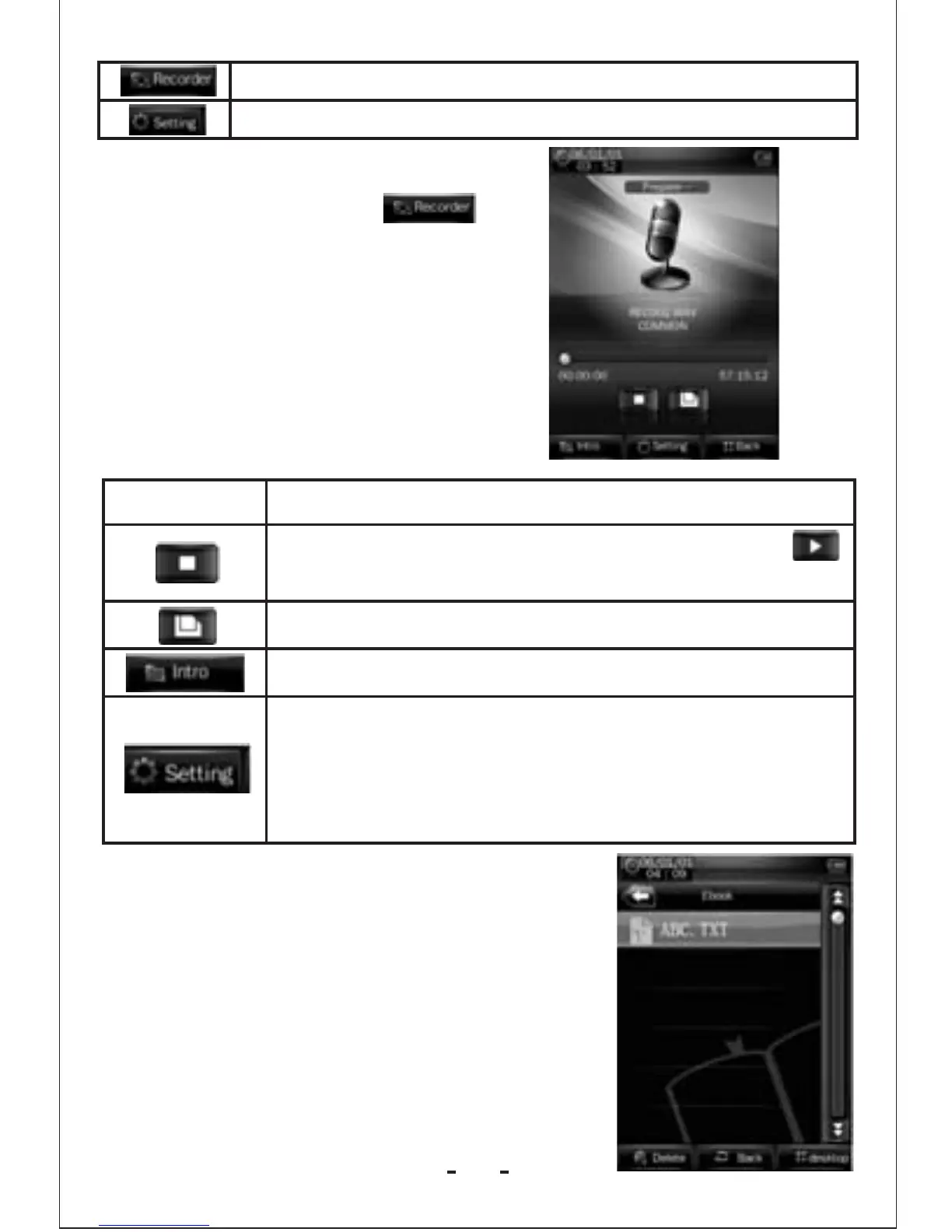
FM Recording Interface
1. In Radio mode, click to
enter FM station recording
interface.
Button /Icon
Description
Stop, click it and it will change to play icon
to enter recording mode
Save the recorded file.
View recorded file.
Record settings
1.Recording format: WAV &MP3 formats.
2.Quality: high, medium, low.
3.Recoding gain volume: level 1, 2, 3.
E-book Mode
1.In the main interface, click the E-book
icon to enter the mode.
2.Select a TXT file to enter E-book
browser interface.
12



 To Next Page