3.Date stamp: off, date stamp or date and time
stamp. Default setting is off.
To make no settings, touch the screen outside
the menu to exit.
Resolution switch: 320x240, 640x480, 1024x768,
1280x960. 2048*1536
Take picture
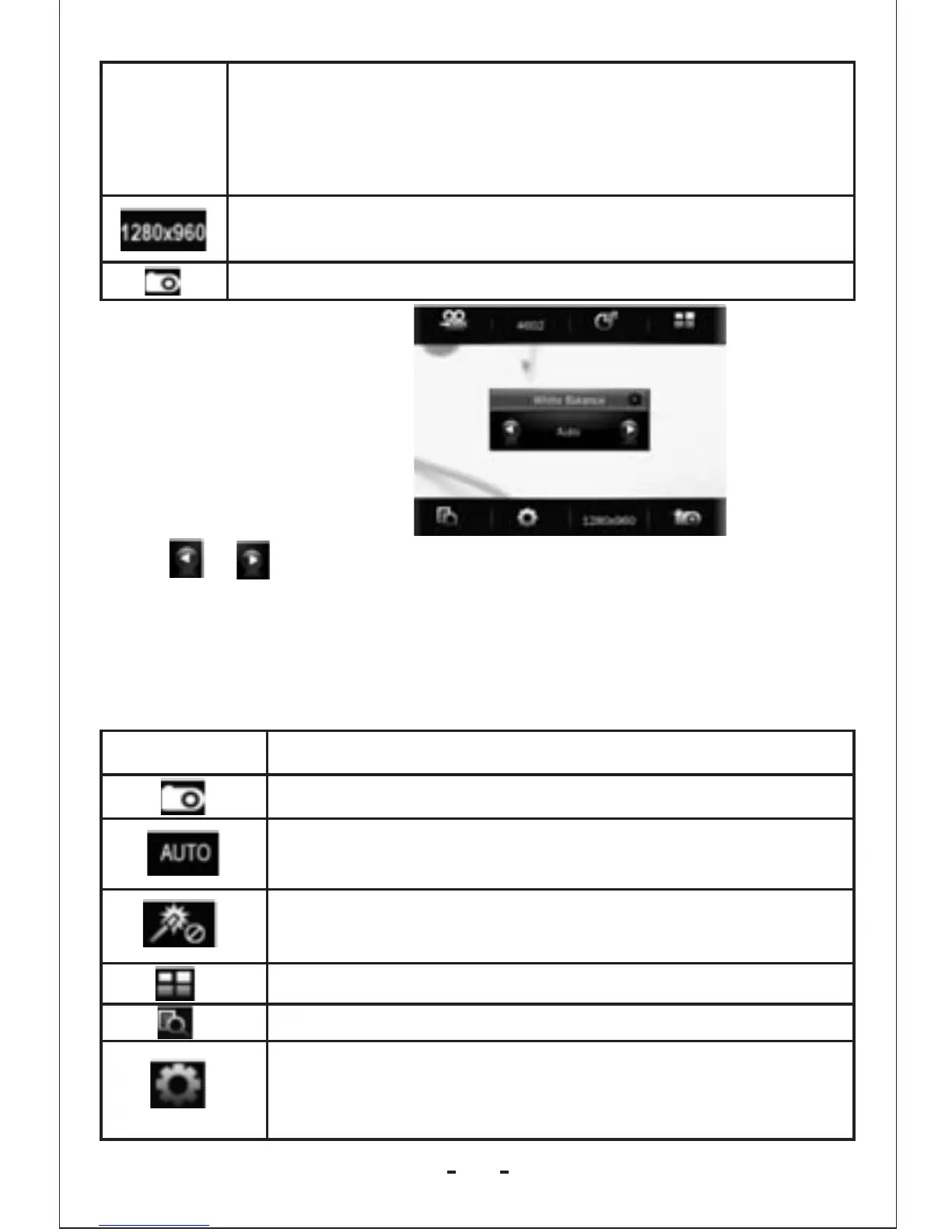
Take white balance
setting as an example:
Click or to select among different mode, then click screen
to confirm selection and exit.
Video Camera Setting Interface
1. Touch the screen and top/bottom button bar will appear. Touch
again and the button bar will disappear.
Button
Description
Change to camera mode.
3 exposure modes: Auto (default), indoor (lamp)
and outdoor (sun).
4 types of special effects: black & white, negative
, sepia, off (default).
Return to the main menu.
View video file.
Video camera mode setting
1.Brightness:value range -3 to +3. Default setting
is 0.
15



 To Next Page