14
and PC camera.
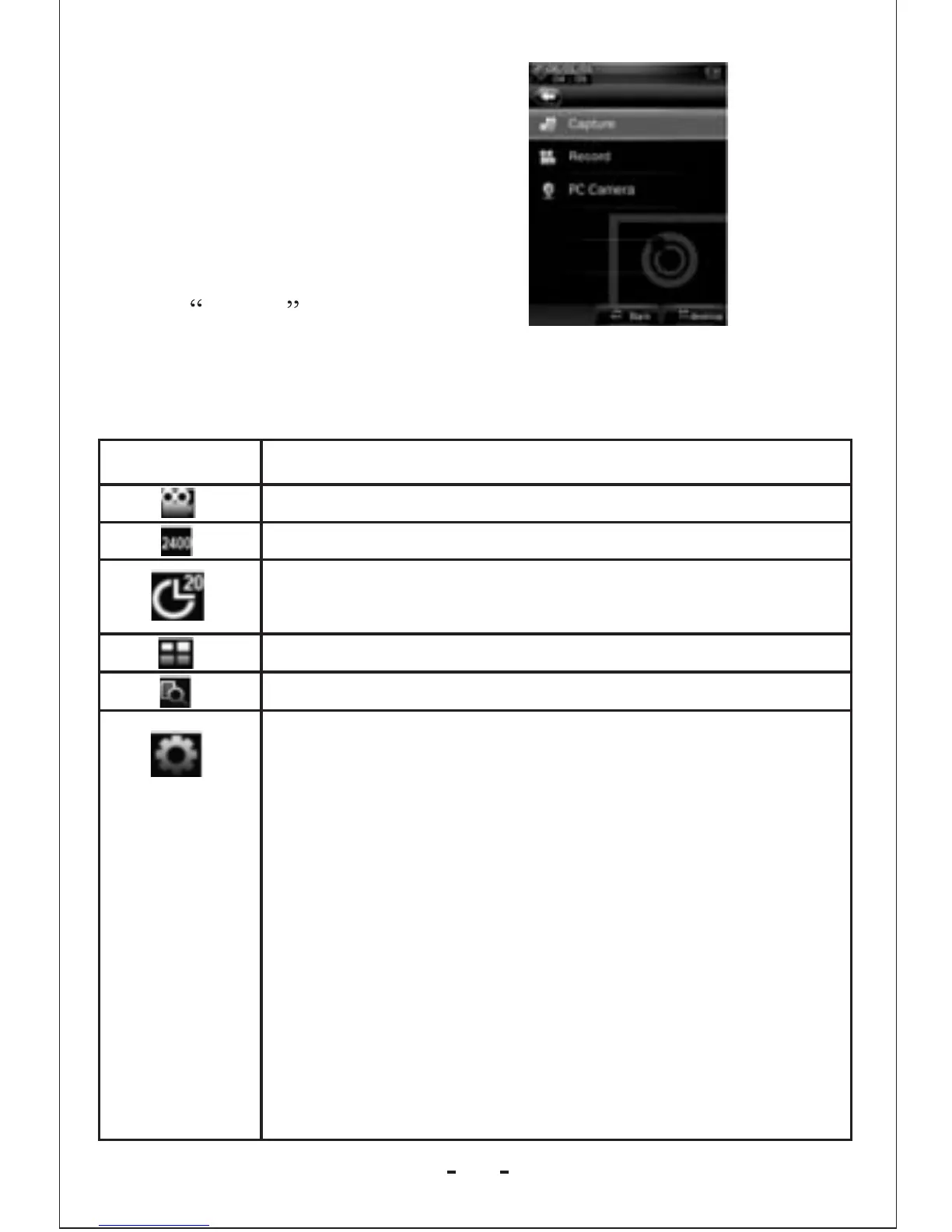
Camera Setting Interface
1.Click camera to enter the mode.
2.In frame interface, touch the screen and top & bottom button
bar will appear. Touch again, and the up/down button bar will
disappear.
Button
Description
Switch to video camera mode.
Number of pictures that can be taken.
Self Shootting time setting:5 seconds, 15 seconds,
20 seconds, off. Default setting is off.
Return to the main menu.
View the pictures.
Picture mode settings
1.Special effect:
White balance: auto, indoor, outdoor. Default
setting is auto
Brightness: value range -3 to +3. Default setting is 0.
Exposure mode: auto, indoor, outdoor. Default
setting is auto
Special effect: off, black & white, sepia, negative.
Default s etting is off.
2.Save path: local device, card device.The default
is local device Shutter sound: off, sound effect 1,
sound effect 2 and sound effect 3; Default setting
is sound effect 1.



 To Next Page