www.naxa.com Page 5
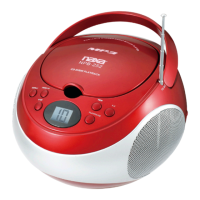
At a Glance
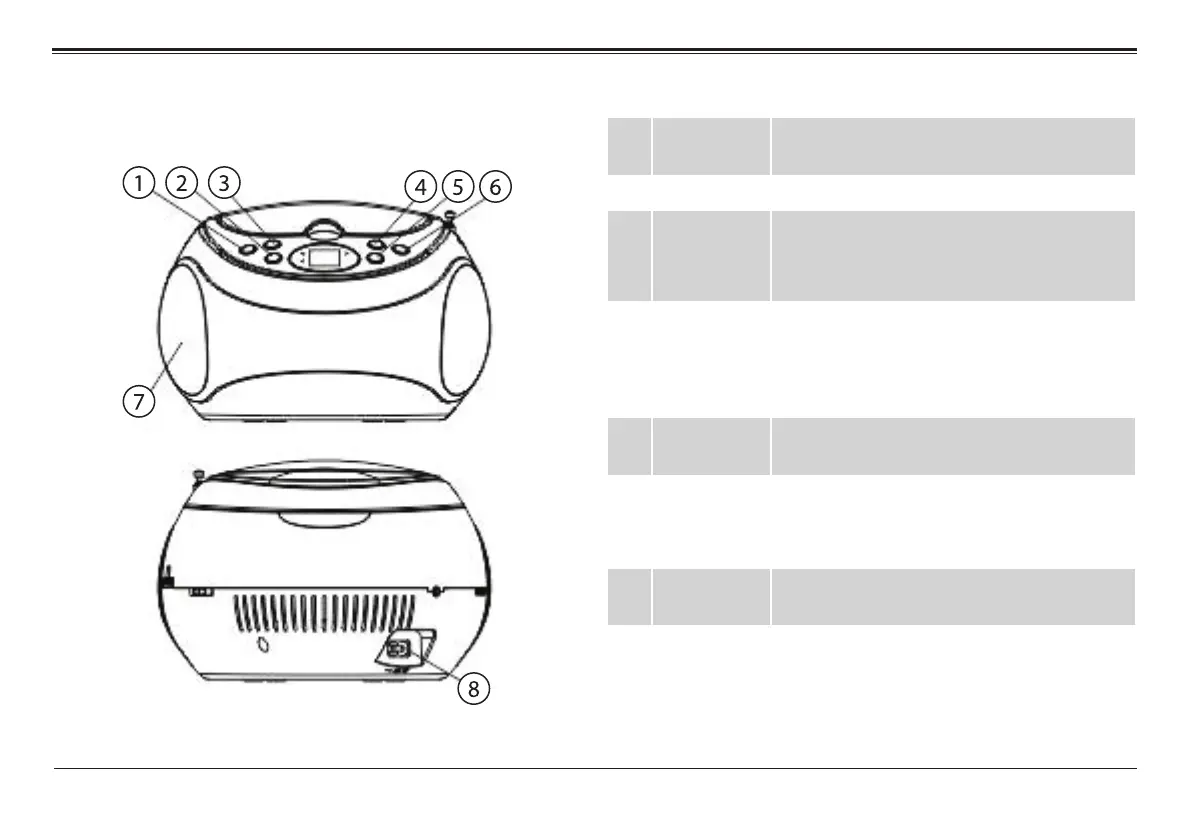
1 REP key Repeat. Press to change the playback
mode (repeat, random).
2 STOP key Stop. Press to stop playback.
3 PROG/+10
key
Program. Press to enter Program mode in
order to create a custom playlist.
+10. Press to skip forward 10 tracks.
4 REW key
(Previous/
Rewind)
Previous: Press to skip to the previous
track.
Rewind: Press and hold to scan quickly in
reverse through the current track.
5 PLAY key Play/Pause. Press to start, pause, or re-
sume playback.
6 FF key
(Next/Fast
Forward)
Next: Press to skip to the next track.
Fast Forward: Press and hold to scan
quickly forward through the current track.
7 Speakers Full-range drivers deliver powerful stereo
sound.
8 AC power
socket
Connection for the included AC power
cable.


 To Next Page