2
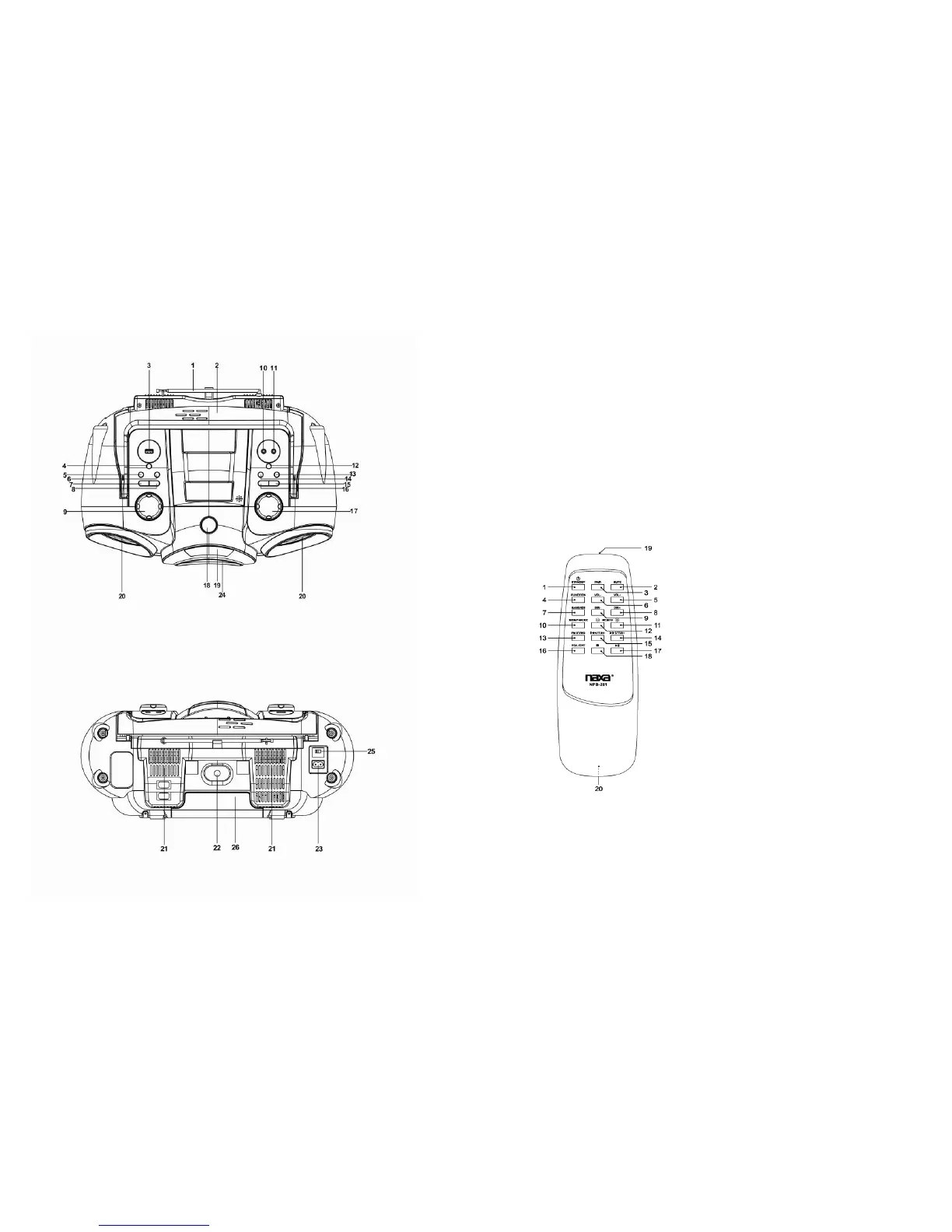
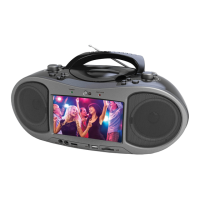
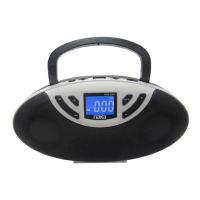
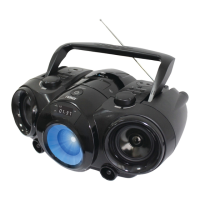
LOCATIONOFCONTROLS
3
NAMESOFCONTROLS
1. Antenna
2. Handle
3. USBport
4. FUNCTIONbutton
5. MEM/DIR/10–button
6. MEM/DIR/10+button
7. MEM/P‐MODEbutton
8. EQ/LIGHTbutton
9. VOLUMEdial
10. AUXINjack
11. Headphoneinputjack
12. BAND/ID3button
13. PLAY/PAUSE/PAIRbutton
14. STOPbutton
15. NEXT/FWDbutton
16.
PREV/REVbutton
17. TUNINGdial
18. POWERbutton(standby)
19. Display
20. Speaker
21. Heatemissionvent
22. Airtube
23. ACpowerinput
24. Subwoofer
25. Voltageselector
26. Batterycompartment
REMOTEHANDSET
1. STANDBYkey
2. MUTEkey
3. PAIRkey
4. FUNCTIONkey
5. VOLUME+key
6. VOLUME‐key
7. BAND/ID3key
8. DIRECTORY+key
9. DIRECTORY‐key
10. MEMORY/PLAYMODEkey
11. MEMORY+/10+key
12. MEMORY‐/10‐key
13. FMSTEREO/MONOkey
14. NEXT/FORWARDandTUNING+key
15. PREVIOUS/REVERSEandTUNING
‐key
16. EQUALIZER/LIGHTkey
17. PLAY/PAUSEkey
18. STOPkey
19. Remotetransmitter
20. Batterycompartment(ontherear)
REPLACINGTHEREMOTECONTROLBATTERIES
Slidethecoverofthebatterycompartment[20]open.
Removetheoldbatteriesandinstalltwonew“AAA”batteries(notincluded).Makesureyoumatch
the"+"and"‐"polaritymarkingsinsidethecompartmentwhenyouinstallthebatteries.
Replacethecover.


 To Next Page