www.naxa.com Page 9
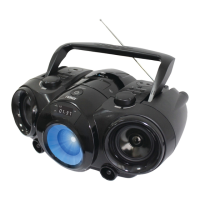
Party Light
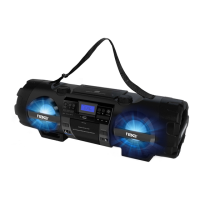
To change the party light effects, press the LIGHT but-
ton [26]. You can choose from ve different preset
modes.
To disable the party light, press the LIGHT button [26]
until the lights turn off and the display [1] reads “LIGHT
OFF”.
FM & AM Tuning Modes
(Radio)
Listen to FM or AM radio broadcasts. Press the FUNC-
TION button [27] until the display [1] reads FM or AM,
respectively.
• To optimize reception when listening to stations on
the FM band, extend the telescopic antenna to its
full length. To optimize reception for AM band sta-
tions, gently move the unit around, or position the
unit in an open place.
Tuning to a Radio Station
If you know the station frequency that you want to
tune to directly:
• Tune to a station by turning the TUNING dial [21].
The station frequency is shown on the display [1].
• To tune to a preset station:
• To tune to the next preset station, press the DIR/
MEM/10+ button [4].
• To tune to the previous preset, press the DIR/
MEM/10– button [5].
Auto Preset Memory / Scan
To scan for stations within reception range and save
them to preset memory automatically, press the PLAY/
PAUSE/PAIR button [14]. After the unit is nished scan-
ning, the unit will automatically tune to preset number
1 (P01).


 To Next Page