9
Basic Operations
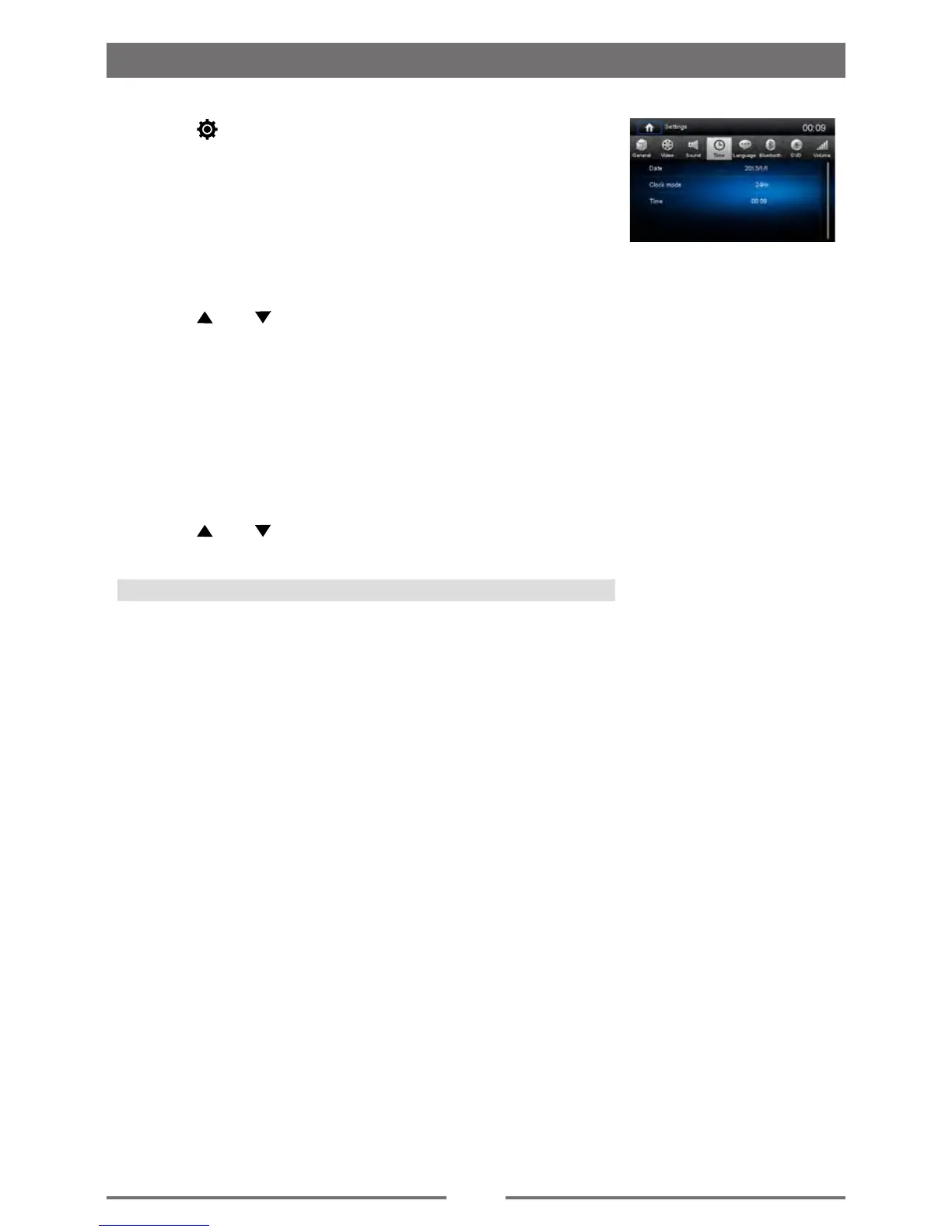
Set Date /Time
1. Touch [ ] on the playing source menu.
2. Touch [ Time ].
The date/time setup menu is displayed.
Set Date
1. Touch [ Date ].
2. Touch the date information on the screen.
A submenu is displayed.
3. Touch [ ] or [ ] to set year, month and day.
Set Clock Mode
1. Touch [Clock mode].
2. Touch [12Hr] or [24Hr] to switch clock mode.
Set Time
1. Touch [ Time ].
2. Touch the time on the screen, a submenu is displayed.
3. Touch [ ] or [ ] to set hour and minute.
Tip:
When date/time is set, touch [ Save ] to conrm or [ Cancel ] to exit.



 To Next Page