13
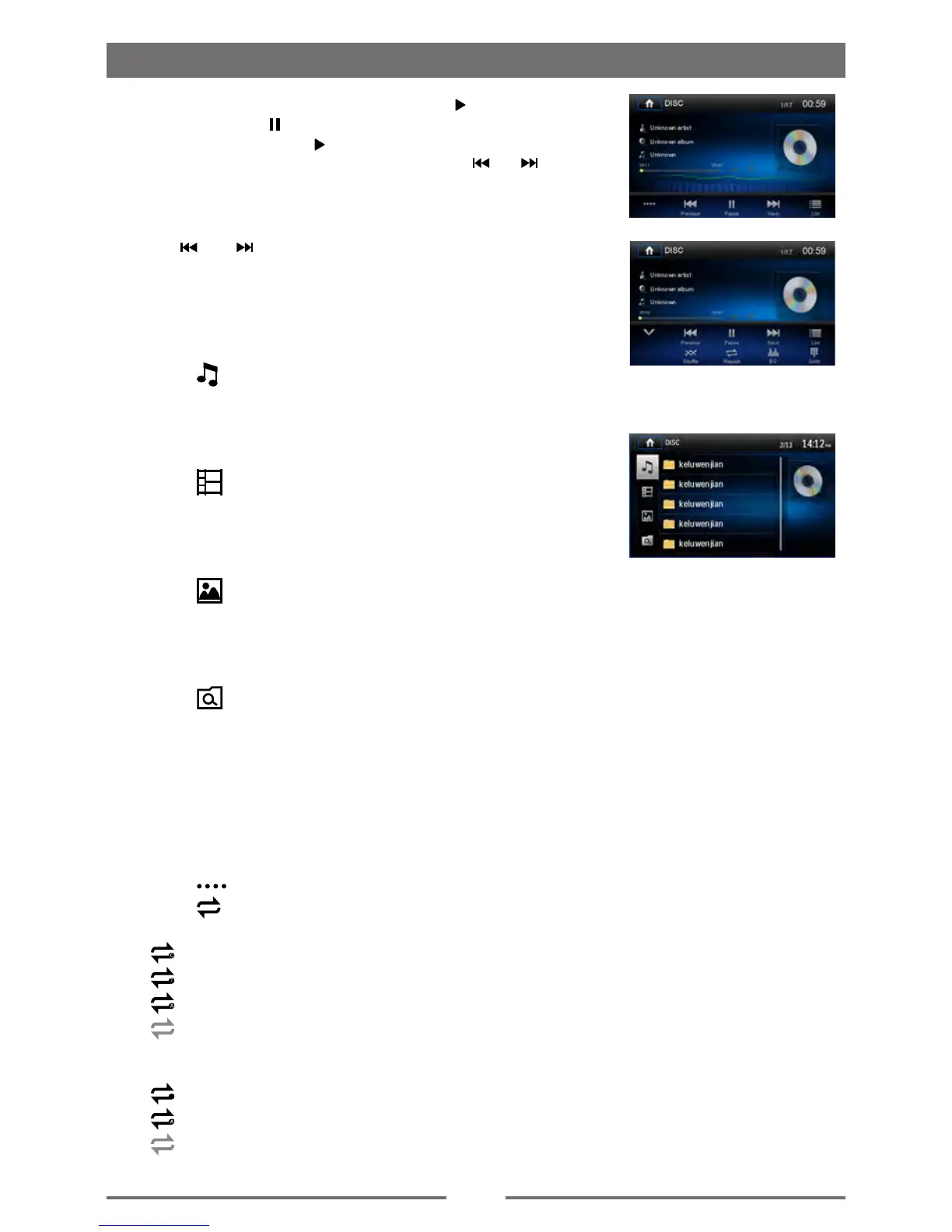
For DVD movie, if a menu appears, press [ ] to start play.
2. To pause, touch [ ].
To resume play, touch [ ].
3. Skip to previous / next track / chapter, press [ ] / [ ] key.
Previous/Next
Touch [ ] / [ ] key on the screen to skip to previous / next
track / chapter.
Search for a Folder
For Audio Files
1. Touch [
] to display all available audio folders.
2. Touch a folder, then touch the desired le.
3. Touch the le again to start play.
For Video Files
1. Touch [
] to display all available video folders.
2. Touch a folder, then touch the desired le.
3. Touch the le again to start play.
For Picture Files
1. Touch [
] to display all available picture folders
2. Touch a folder, then touch the desired le.
3. Touch the le again to start play.
For Folder Control
1. Touch [
] to display all available folders
2. Touch a folder, then touch the desired le.
3. Touch the le again to start play.
Repeat
For DVD/VCD movie disc:
1. Touch bottom half of the screen to display menu on the screen,
if necessary.
2. Touch [ ] to display the 2nd menu.
3. Touch [
] repeatedly to select:
DVD
[
] Repeat chapter: Play the current chapter repeatedly.
[
] Repeat title: Play all chapters in the title repeatedly.
[
] Repeat all: Play all in the disc repeatedly.
[
] Repeat off: Cancel repeat play.
VCD
[
1
] Repeat single: Play the current single repeatedly.
[
] Repeat all: Play all in the disc repeatedly.
[
] Repeat off: cancel repeat play.
Playback Mode



 To Next Page