11
Radio Mode
Preset Station
The unit has 5 bands, such as FM1, FM2, FM3, AM1, AM2, and
each band can store 6 stations; hence the unit can store 30
stations in total.
Search Stations Automatically
Touch [
] to search station and store 6 strongest stations in
current band automatically.
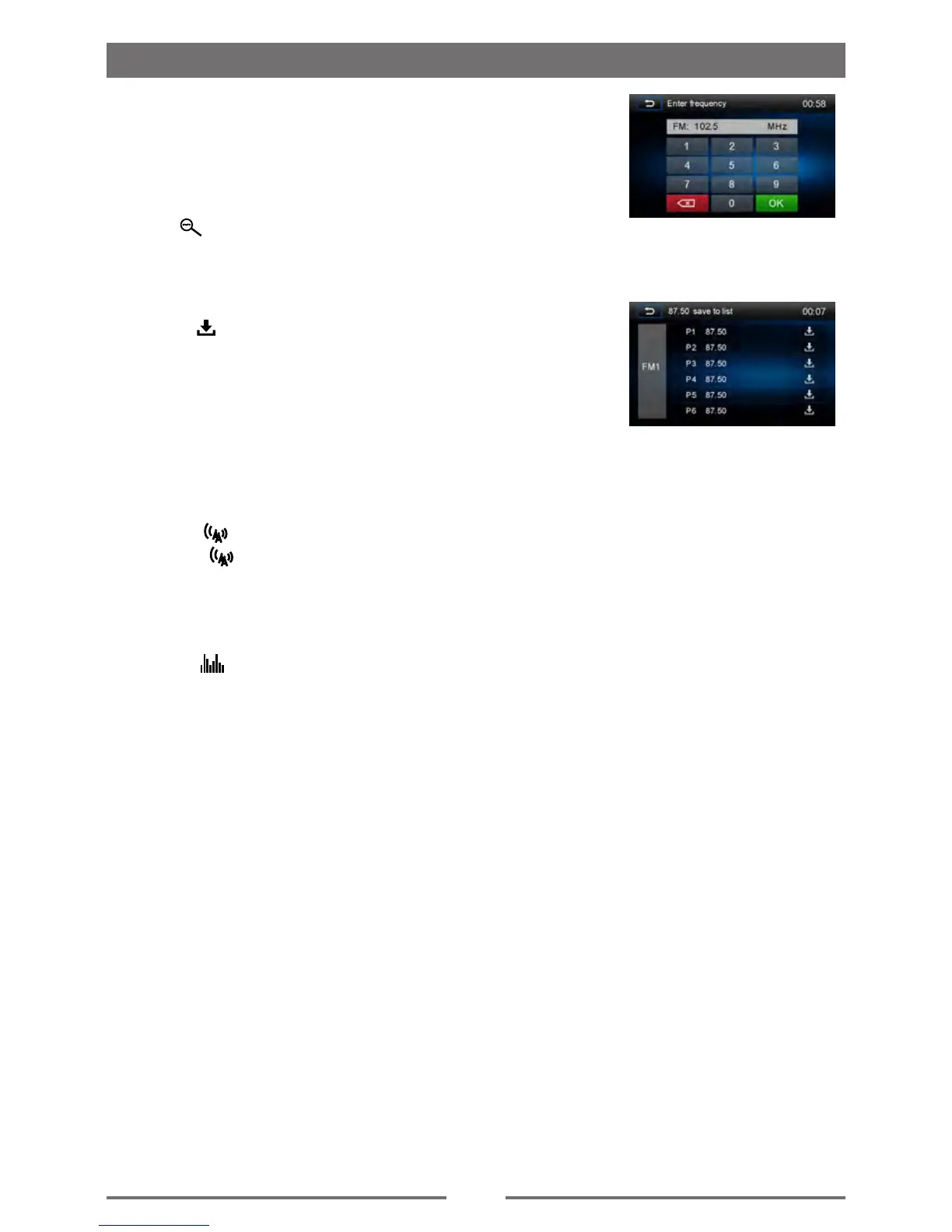
Manual Store
1. Tune to a station.
2. Touch [
].
3. Touch one of the channels P1 to P6 to save the select band.
Tune to a Preset Station
1. Touch [Radio].
2. Select a band (if needed).
3. Touch one of the preset channels (P1 to P6) on the screen.
Local Seeking
Touch the [ ] icon and choose the Radio ocal or Distance.
When the [
] icon turns bright, only stations with a strong
signal strength will be detected . Default is “Distance”.
EQ Selection
Press the [ ] icon and enter the E setup.



 To Next Page