EN
3.
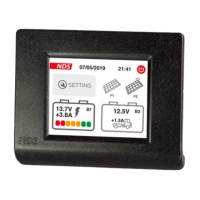
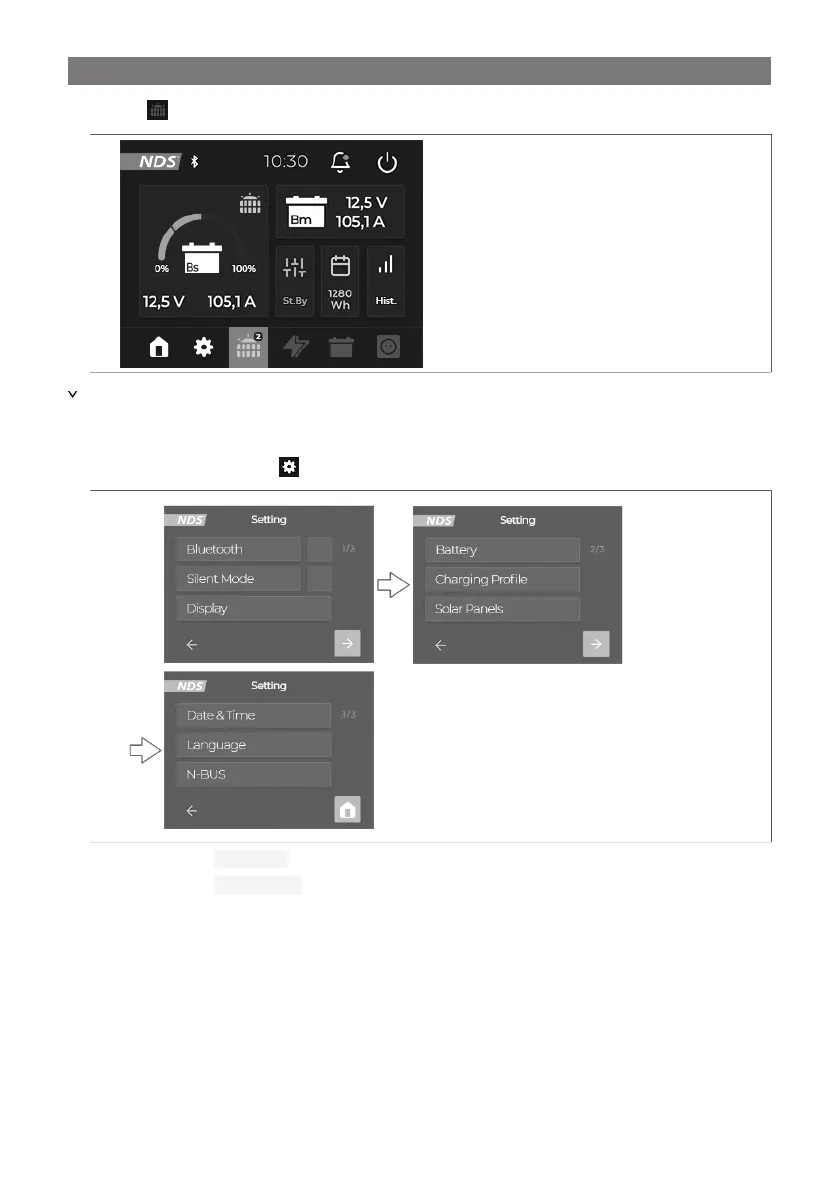
Press the button to display the solar screen.
a
The charging values of the solar panel are displayed.
Making settings
1.
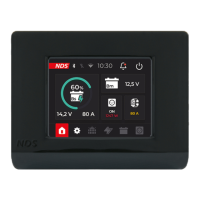
On the home screen, press the symbol to enter the settings screen.
b
2. Tick the field next to Bluetooth to activate the bluetooth connection.
3. Tick the field next to Silent Mode to activate the silent mode.
13


 To Next Page
 Loading...