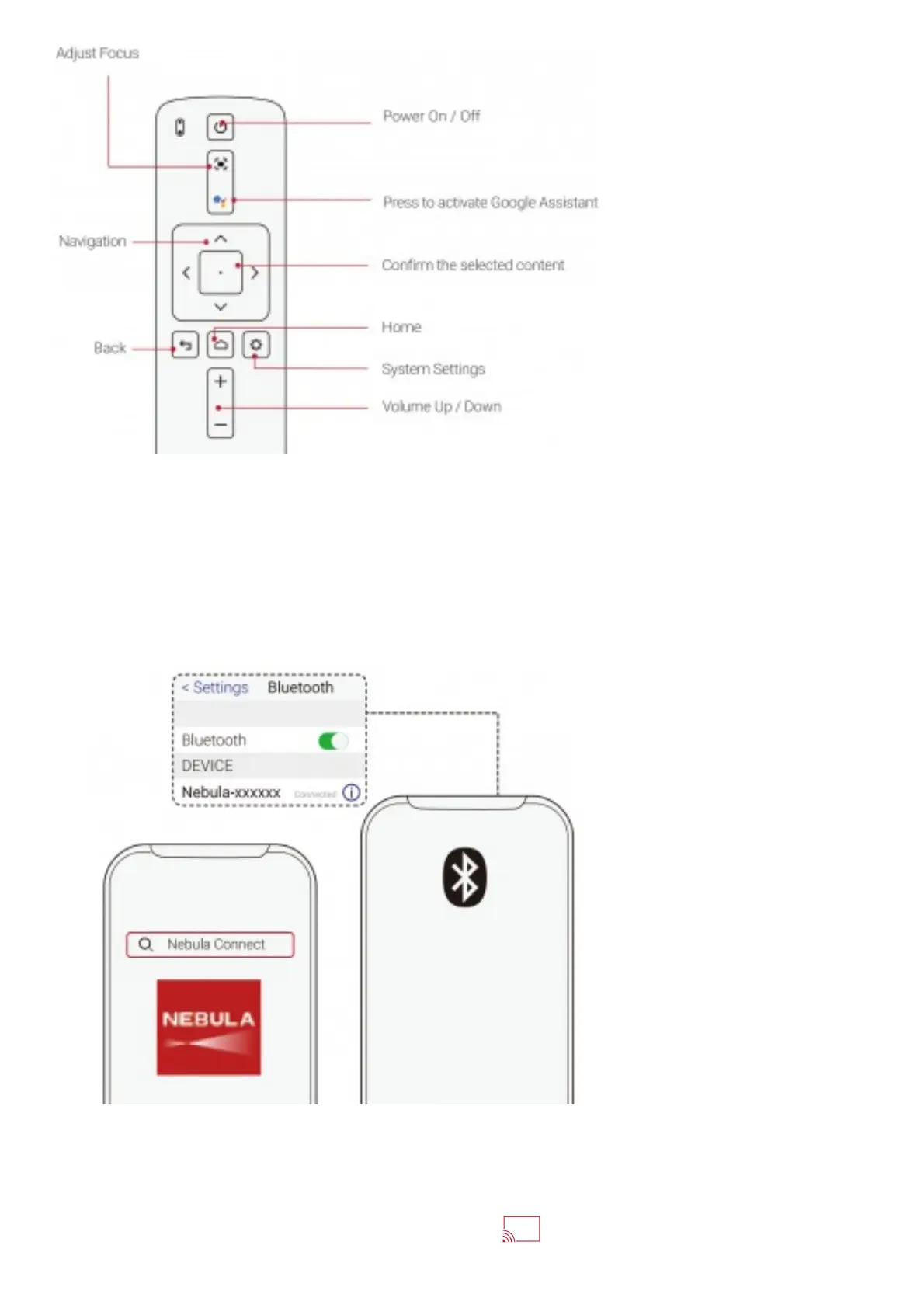
Remote Control: Nebula RC
Model: D0413
Download Nebula Connect App
1. Download the Nebula Connect app from the App Store (iOS devices) or Google Play (Android devices) to
control your projector.
2. Enable Bluetooth on your smartphone.
3. Open the Nebula Connect app, and follow the on-screen instructions to complete the connection setup.
Chromecast™
Wirelessly cast movies, games, and music from your phone to Nebula Cosmos Max.
1. Play a video clip on your phone and then tap the cast icon on the video screen.















 To Next Page