4-28
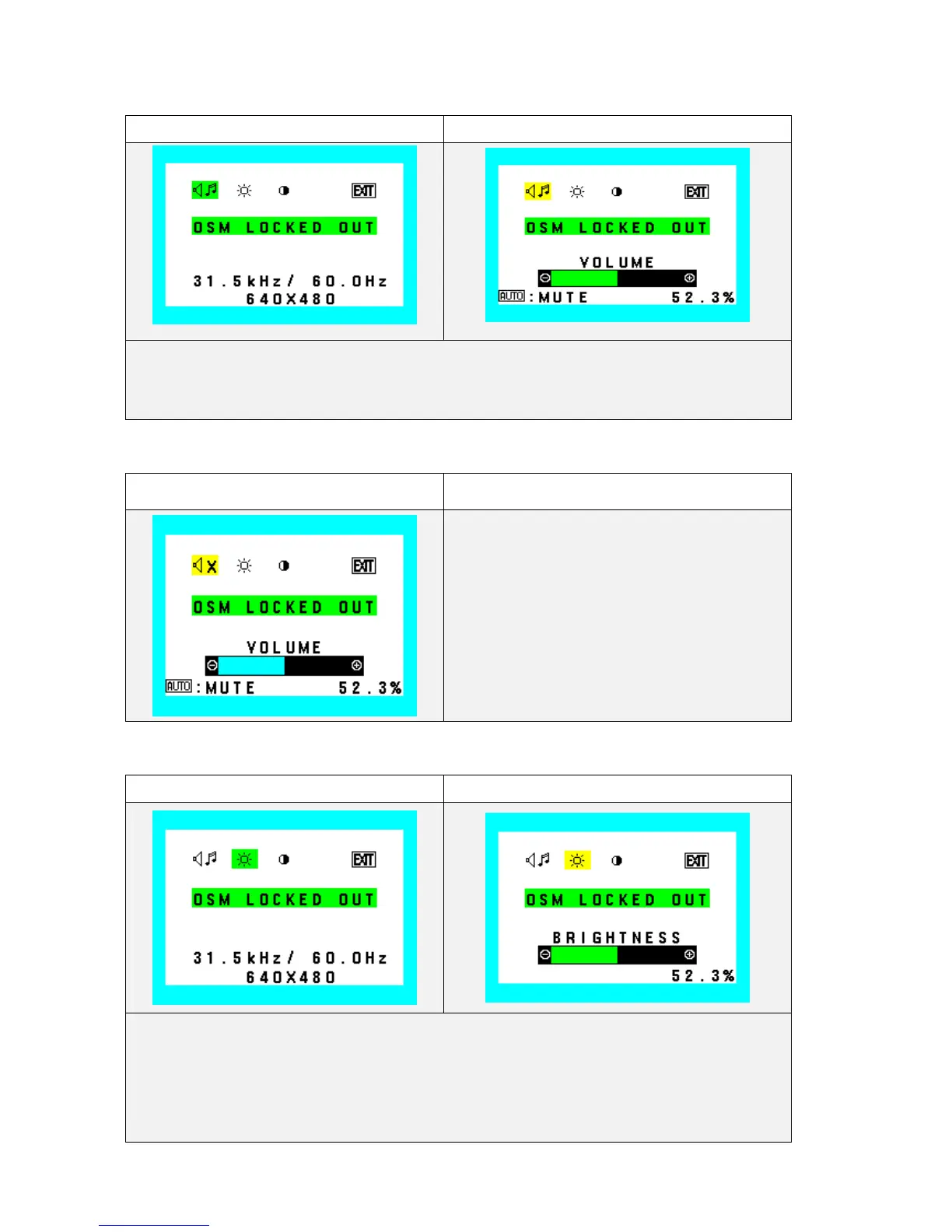
OSD Lockout
Audio (Icon select) Audio (Adjust )
1. During Audio function operate, Audio Icon and slide bar color is changed from Normal condition.
2. “-” Turn down the volume
3. "+” Turn the volume up
Audio (Adjust: Mute)
During mute function operate, Audio Icon and slide
bar color is changed from Normal condition.
Brightness (Icon select) Brightness (Adjust)
1. During Brightness function operate, Brightness Icon and slide bar color is changed from Normal
condition.
2. “ - ” Value decrease (to dark)
3. “+ ” Value increase (to bright)










 To Next Page