EasyManua.ls Logo

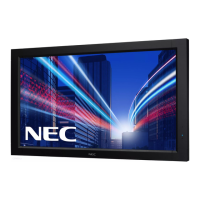
NEC MultiSync V552-DRD - User Manual

NEC MultiSync V552-DRD
47 pages
Print Icon
To Next Page IconTo Next Page
Loading...
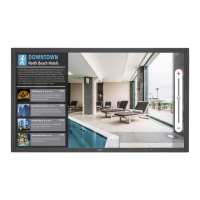
MultiSync V552
MultiSync V652
Please fi nd your model name in the label on the backside of monitor.
Large Format Display
User’s Manual

Questions and Answers

  • K
    kristy65Sep 10, 2025
    How to fix image persistence on NEC MultiSync V552-DRD?
    • C
      czimmermanSep 10, 2025
      To alleviate image persistence on your NEC monitor, turn off the monitor for the same duration the previous image was displayed. For example, if an image was displayed for one hour and a residual image remains, turn off the monitor for one hour to erase the image.
  • N
    Nathan Craig DVMSep 12, 2025
    Why is the “SCHEDULE”/“OFF TIMER” function not working properly on NEC MultiSync V552-DRD?
    • B
      bmorrisonSep 12, 2025
      If the “SCHEDULE”/“OFF TIMER” function on your NEC monitor is not working properly, be aware that the “SCHEDULE” function will be disabled when the “OFF TIMER” is set. Also, if the “OFF TIMER” function is enabled and the power to the LCD monitor is interrupted unexpectedly, the “OFF TIMER” will be reset.
  • A
    Ashley DavisSep 14, 2025
    How to resolve interference in NEC TV?
    • M
      Mr. Frank York MDSep 14, 2025
      If you are experiencing interference on your NEC TV, check the components for shielding and move them away from the monitor if necessary.
  • T
    tramosSep 16, 2025
    Why is RS-232C or LAN control not available on my NEC MultiSync V552-DRD Monitor?
    • N
      nicholsderrickSep 16, 2025
      If RS-232C or LAN control is not available on your NEC monitor, check the RS-232C or LAN cable connection. Verify the “CONTROL” setting in “EXTERNAL CONTROL,” and check the “ID=ALL REPLY” setting in “EXTERNAL CONTROL.”

NEC MultiSync V552-DRD Specifications

General IconGeneral
BrandNEC
ModelMultiSync V552-DRD
CategoryMonitor
LanguageEnglish

Related product manuals