16
USEFUL TELETEXT FUNCTIONS
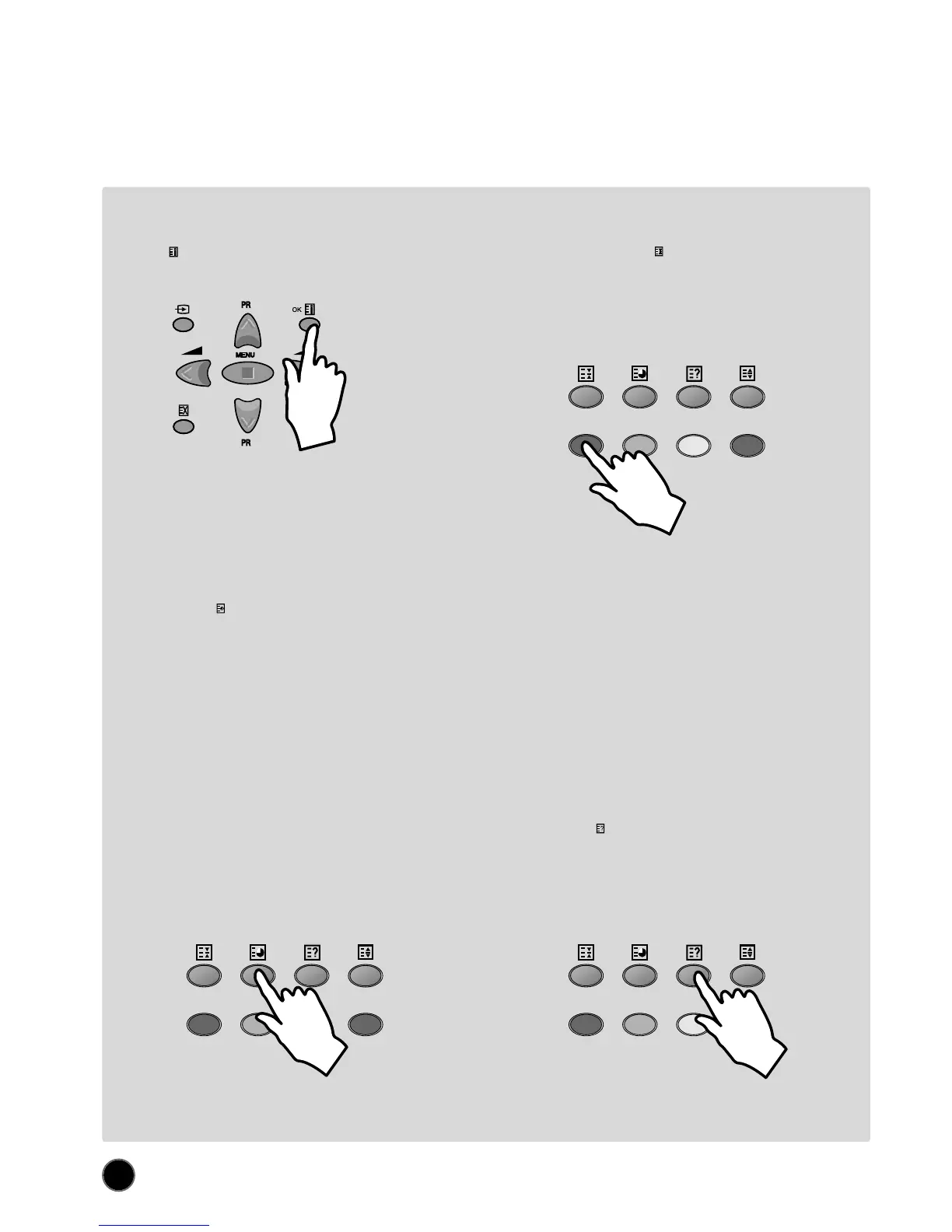
INDEX button (A18): Allows you to return directly to the
initial teletext page.
SUBPAGE button (A10): Allows you to request a specific subpage:
- Press the SUBPAGE button (A10). At the base of the screen a
SUBPAGE menu will appear. This has a red subpage minus
link, a green subpage plus link, plus a white background
showing (e.g. for page 110), 110 / 0001. This is ready to
accept the subpage number.
- Enter directly the subpage number you want with the remote
control NUMBER 0...9 buttons (A3): for example to request the
2nd subpage, type 0002.
- Alternatively, use the red subpage minus link or the green
subpage plus link.
- The subpage number entered is shown at the base of the screen.
- If the requested page is not immediately available the rolling
header will be active until the page arrives. Warning: If the
subpage is not available (does not exist), then the header will
roll continuously and no new page will be found.
- To exit subpage mode, press the SUBPAGE button (A10) again.
Note : Teletext specification allows for subpage numbers 0000
to 3979 (the first figure is limited to the range 0..3, and
the third figure 0..7).
REVEAL button (A24): Press this button to reveal,
on certain pages, hidden information such as the
answer to a quiz.
- Press the button again to hide the information.
PAGE HOLD button (A9): Any teletext page or
subpage can be held on the screen by pressing the
PAGE HOLD button.
- The page number shown in the extreme top left corner
of the screen will become red.
- Press the HOLD button again to cancel hold mode (the
page number will return to white).



 To Next Page