04
EN
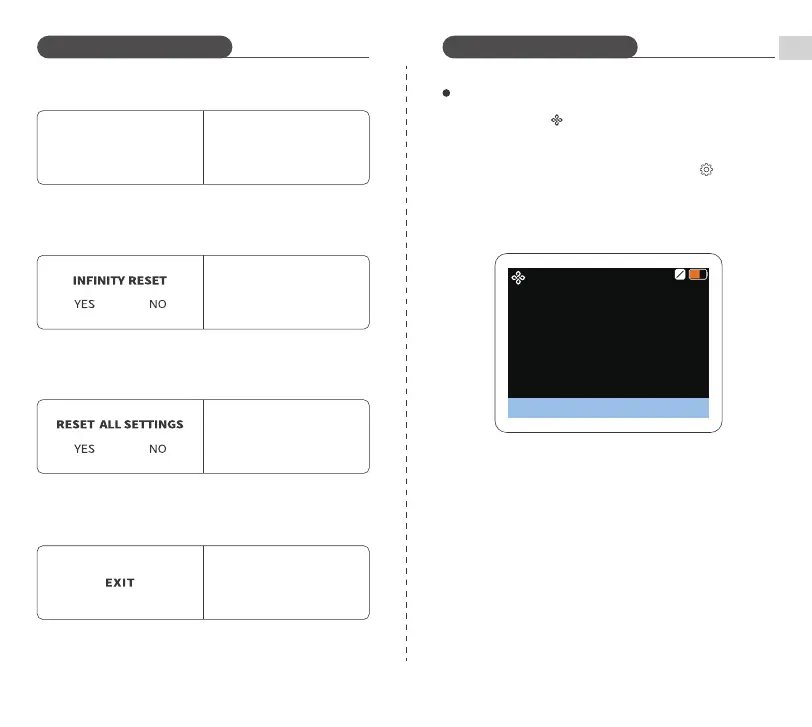
⑥ DMX ADDR DMX Channel(DMX ON)
Only adjustable when DMX is
set as ON. Short press SET
Dial, then turn SET Dial to set
channel values
DMX ADDR
001-512
⑨ EXIT
Short press SET Dial to exit
the menu
⑦ INFINITY RESET
Short press SET Dial, then turn
SET Dial to select "YES"/"NO"
⑧ RESET ALL SETTINGS
Short press SET Dial, then turn
SET Dial to select "YES"/"NO"
Updating your device to the latest version
※ Updating is not necessary if the version
installed is already up to date.
OTA
PL60C update�
Version updating�
Introduction to Functions Introduction to Functions
1. Set the light to Infinity Mode and reset this mode
2. Activate Bluetooth on your smartphone
3. Open NEEWER APP→Add Devices→Settings →
Version→Firmware Update


 To Next Page