6Chapter 2 . Basics
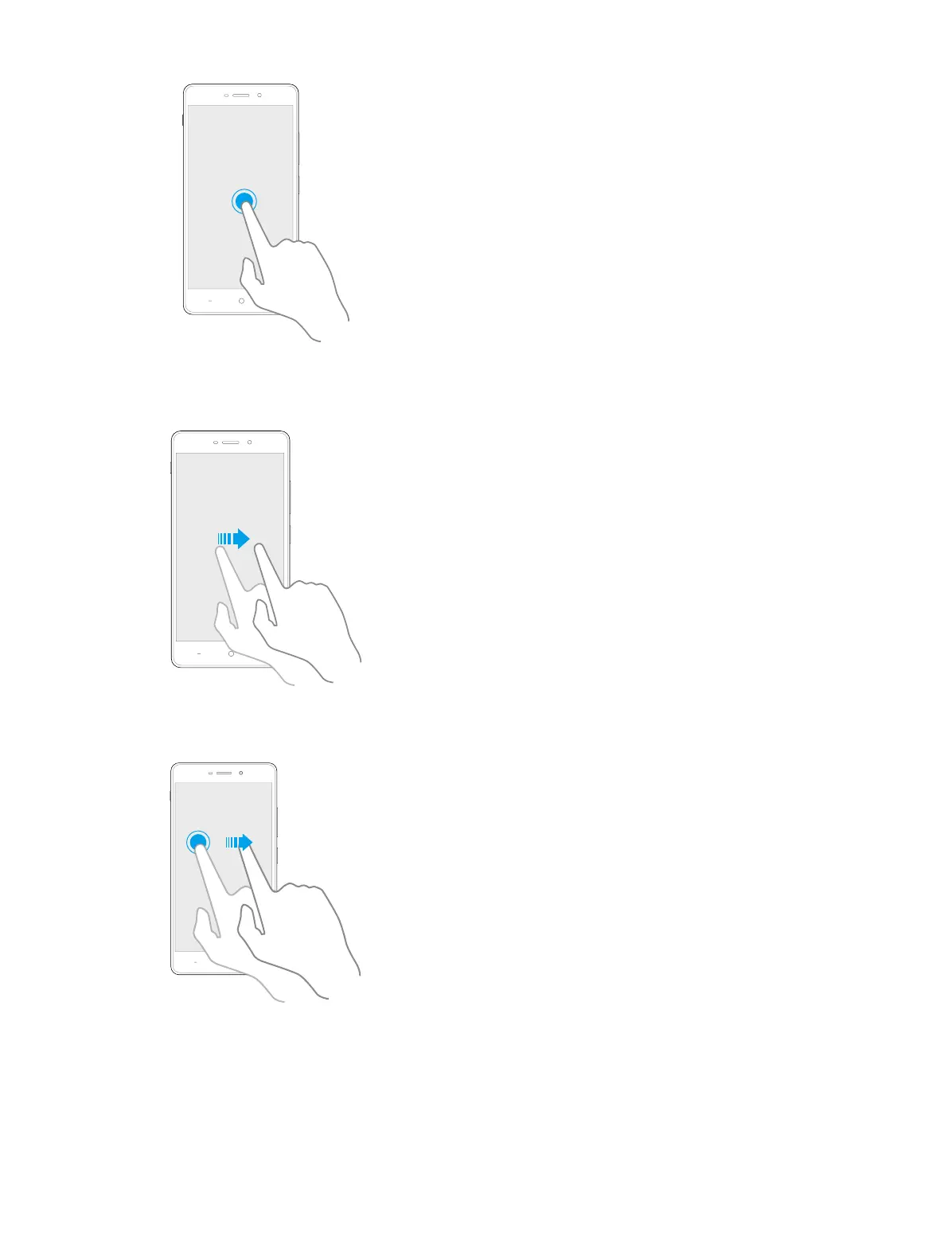
Swipe: Place your finger on the screen, and drag your finger to the direction you want. For example, in the
Notifications panel, swipe left or right on a notification to dismiss it. Swipe vertically or horizontally to go to
other home screens, scroll through a document, and more.
Drag: Touch and hold an item and then move it to another position. For example, you can rearrange applications
and widgets on the Home screen.
Zoom out: Pinch two fingers together on the screen. For example, pinch two fingers together to zoom out on
a picture or a web page.



 To Next Page