5Chapter 2 . Basics
Basics
Learn about your smart phone’s basic feature.
• Touchscreen gestures
• Home screen
• Status icons
• Quick settings panel
• Notification panel
• Type text
• Take a screenshot
• Configure your fingerprint
• Change the theme
• Access applications
2. 1 Touchscreen gestures
Use simple touchscreen gestures to perform a variety of tasks, such as open applications, scroll through lists,
and zoom images.
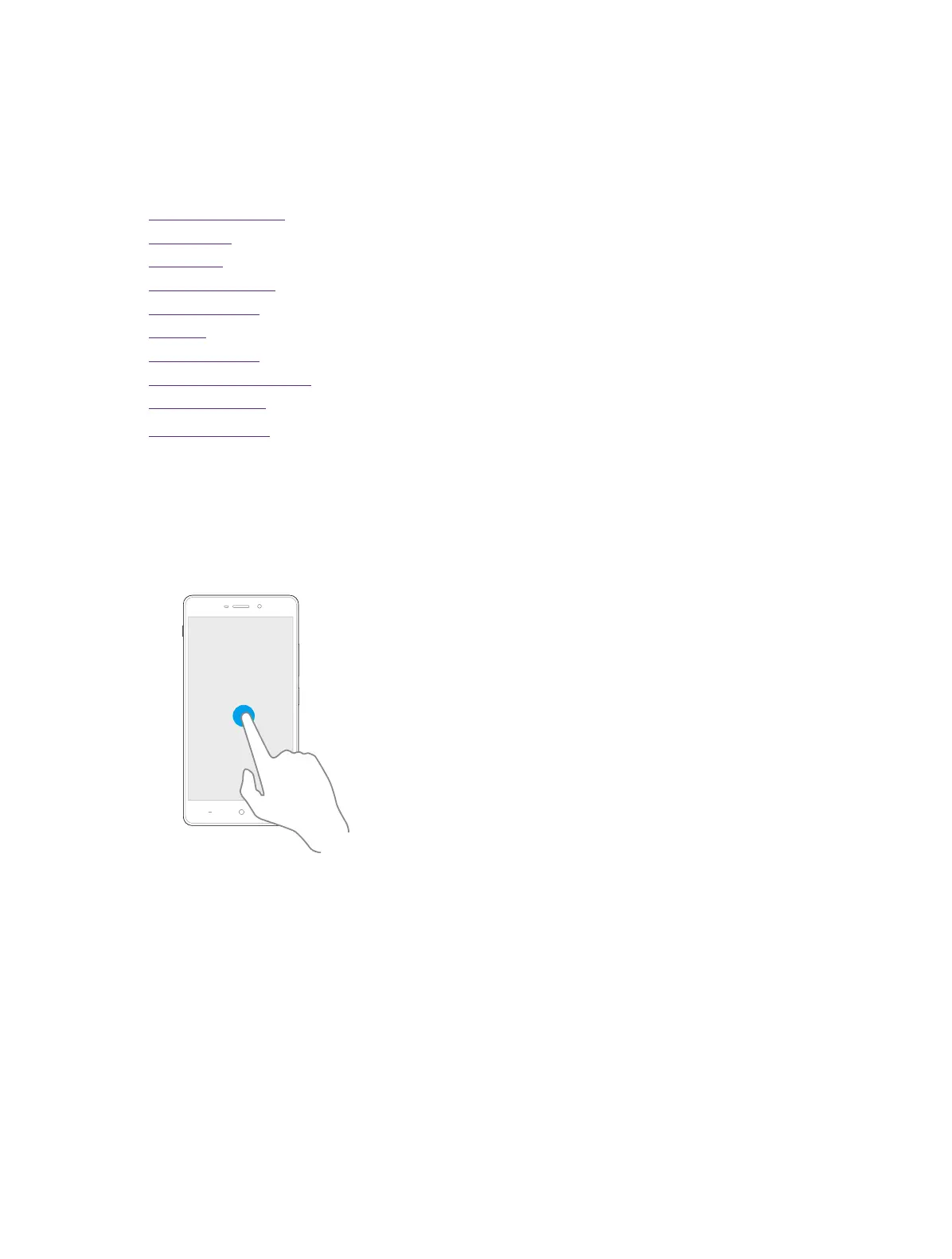
Touch: Simply tap an item once. For example, touch to select an option or open an application.
Touch and hold: Touch and leave your finger on the screen for 2 seconds or more to activate onscreen items.
For example, touch and hold a widget on the Home screen to move it.
2



 To Next Page