10Chapter 2 . Basics
5. Brightness slider: Use this slider to adjust the brightness of the screen.
6. Bluetooth: Tap to enable Bluetooth.
7. Mobile data: Tap to enable mobile data.
8. Rotation: Tap to open auto-ratate which can switch the touchscreen from portrait to landscape when
you rotate your phone.
9. Location: Tap to enable location service.
10. Battery saver: Tap to enable battery saver.
11. Do not disturb: Tap to silence your phone.
12. Edit: Tap to enter the edit page. You can drag the shotcut switches on the edit page to/from Quick
settings panel.
13. Float button: Tap to enable the float button.
14. Screenshot: Tap to make a screenshot.
15. Hotspot: Tap to enable hotspot.
16. Silent: Tap to enable ringer mode.
2. 5 Notification panel
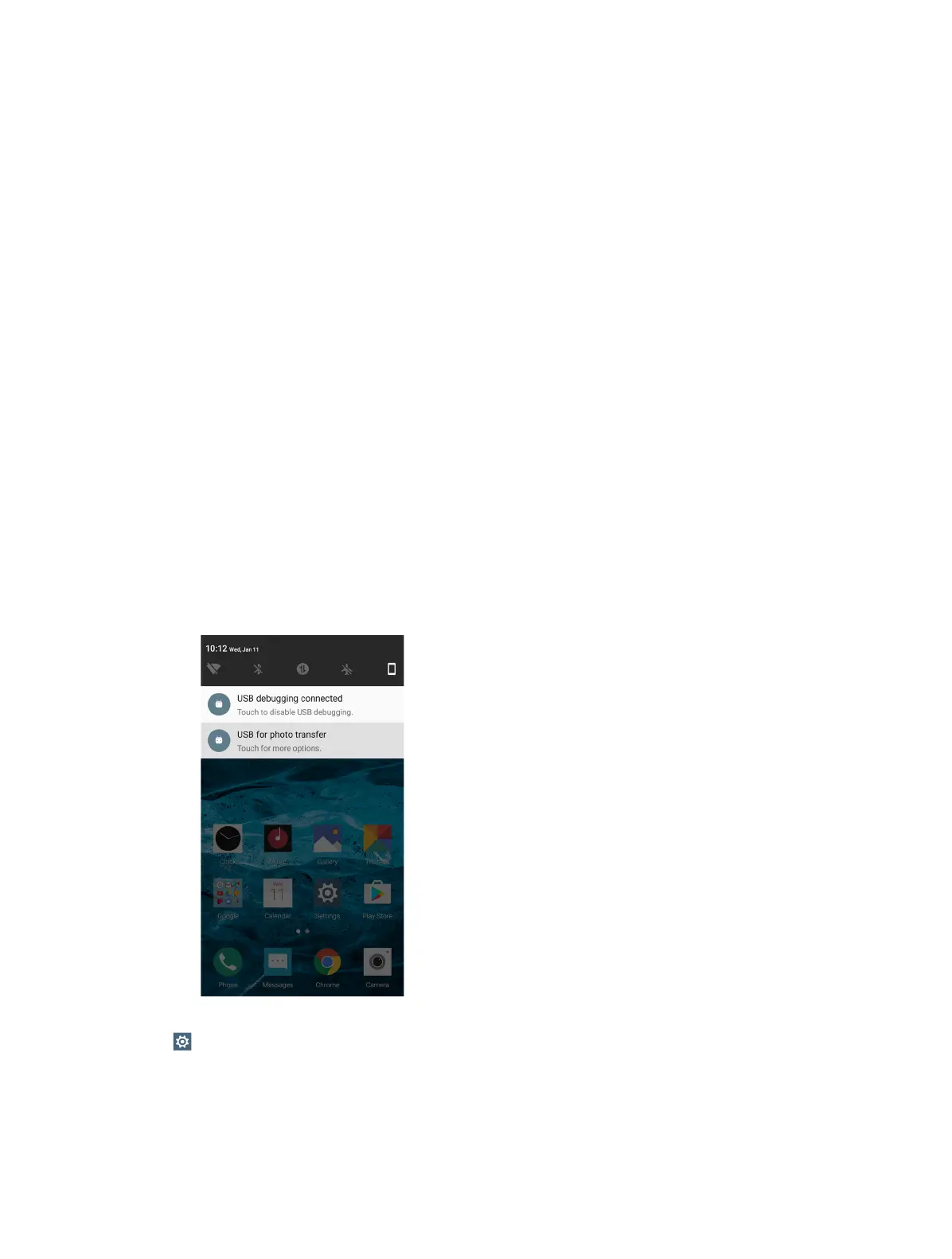
Notification panel collects all the notifications and alerts so that you can review them whenever you like.
• Open Notification panel: Swipe down from the status bar to open the Notification panel.
• View a notification: Tap an item to view the details. Or swipe the notification left or right to remove it from
the list. ( New notifications, such as missed calls and messages are displayed on the Lock screen. Double-tap it
to view the details.)
• Close Notification panel: Swipe up, or press the Back button or Home button.
Notification management
Go to
Settings -> Notification manager, select the desired application. You can:
• Allow notifications: Turn the switch Allow notifications off to disable notifications for the application so as
to prevent unnecessary disturbances. Turn the switch on to enable notifications for the application.
• Treat as priority: Let this application’s notifications to be heard when Do not disturb is set to Priority only.
• Banners: Peek these notifications into view on the current screen.



 To Next Page