EasyManua.ls Logo

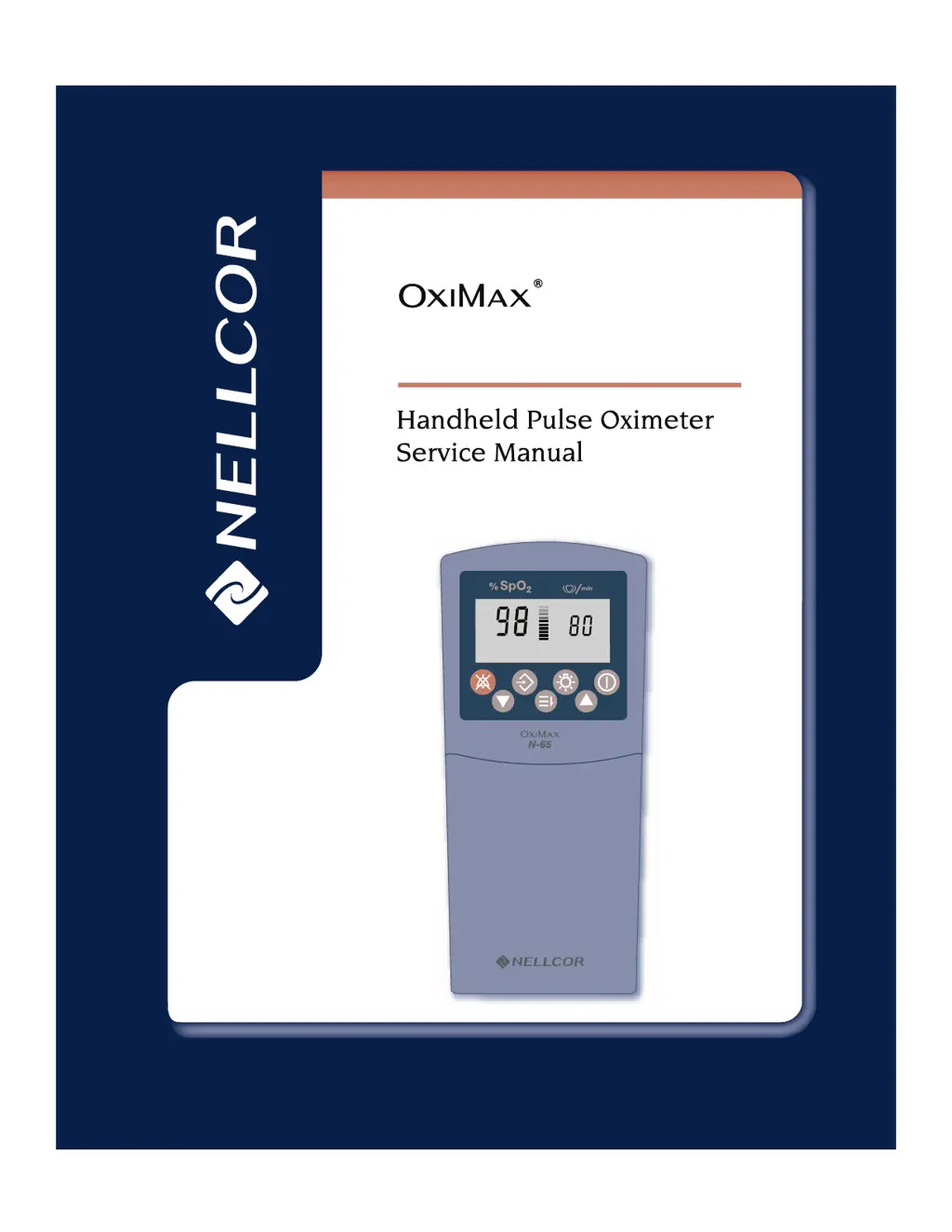
Nellcor OxiMax N-65 - Service Manual

Nellcor OxiMax N-65
120 pages
Print Icon
To Next Page IconTo Next Page
Loading...
N-65

Table of Contents

Other manuals for Nellcor OxiMax N-65

Questions and Answers

  • C
    Catherine BensonAug 18, 2025
    What to do if 'Er' followed by a number appears on the display of Nellcor OxiMax N-65 Medical Equipment?
    • M
      Michael SpencerAug 18, 2025
      If “Er” followed by a number appears on the display of your Nellcor Medical Equipment, disconnect the sensor from the monitor and restart the monitor. If the error code reappears, record the number and provide that information to qualified service personnel or your local Nellcor representative.
  • E
    erinsmithAug 20, 2025
    What to do if the Pulse Search indicator displays for more than 10 seconds on Nellcor OxiMax N-65?
    • D
      Donna RussellAug 20, 2025
      If the Pulse Search indicator displays for more than 10 seconds on your Nellcor Medical Equipment, first ensure you are using an appropriate sensor and that it is correctly applied, according to the sensor's directions for use. Check all sensor and extension cable connections. Try testing the sensor on another person or using a different sensor or extension cable. Also, low perfusion, patient activity, a too-tight sensor, ambient light interference, or placement on an extremity with medical equipment can interfere with pulse tracking, so check these factors. Electromagnetic interference can also cause this issue; try removing any nearby sources of interference.
  • J
    James PattersonAug 22, 2025
    What to do if the Pulse Search indicator lights after successful measurements have been made on Nellcor OxiMax N-65 Medical Equipment?
    • S
      Shelly LeblancAug 22, 2025
      If the Pulse Search indicator lights after successful measurements have been made on your Nellcor Medical Equipment, check the patient's condition. Low perfusion can prevent the monitor from tracking the pulse, so test the monitor on another subject, change the sensor site, or try another type of sensor. Patient activity can also interfere; keep the patient still if possible, verify the sensor is securely applied, and change the sensor site if needed. Additionally, the sensor may be too tight, there may be interference due to ambient light, or the sensor may be on an extremity with a blood pressure cuff, arterial catheter, or intravascular line; reposition the sensor as necessary. Electromagnetic interference may also be the cause, so try removing the source of interference.
  • S
    Stephanie JonesAug 26, 2025
    How to troubleshoot no response to the Power button on Nellcor Medical Equipment?
    • A
      Angela WrightAug 26, 2025
      If your Nellcor Medical Equipment is not responding to the power button, ensure that the Power button is fully depressed. Also, check the batteries: they may be missing, discharged, or oriented incorrectly. If necessary, install new batteries.
  • K
    Kayla MillerAug 28, 2025
    What to do if display segments do not light during the power-on-self-test of Nellcor OxiMax N-65?
    • A
      Andrea WilliamsAug 28, 2025
      Do not continue using the Nellcor Medical Equipment. Contact qualified service personnel or your local Nellcor Representative.
  • E
    eugene68Aug 30, 2025
    How to fix Nellcor OxiMax N-65 monitor that does not turn on?
    • P
      Paul RogersAug 30, 2025
      If your Nellcor Medical Equipment monitor doesn't turn on when you press the Power button, make sure to fully press the Power button. Also, check the batteries: ensure they are present, correctly installed, and not at a voltage too low for operation. If the problem persists, the flex circuit between the front panel and the SpO2 PCB may be damaged or the front panel keypad may be defective.
  • V
    Valerie Hill DDSSep 1, 2025
    Why pulse rate and %SpO2 value doesn't display on Nellcor OxiMax N-65?
    • S
      Sarah Oliver DVMSep 1, 2025
      If the pulse rate and %SpO2 value do not display when your Nellcor Medical Equipment monitor is turned on, first, ensure the SpO2 sensor is properly connected to both the monitor and the patient. If it is, the SpO2 sensor may have failed and need replacement. If the issue continues, the User Interface PCB or the SpO2 PCB might be defective.
  • K
    Kevin BlakeSep 4, 2025
    What to do if keys on Nellcor OxiMax N-65 Medical Equipment keypad don't work?
    • S
      Sandra MorganSep 4, 2025
      If one or more keys on the front panel keypad of your Nellcor Medical Equipment do not work, the flex circuit between the front panel and the SpO2 PCB may be damaged or not making a good connection. Another potential cause is a defective front panel keypad. If replacing the front case does not resolve the issue, the SpO2 PCB may need to be replaced. If replacing the SpO2 PCB also doesn't fix the problem, the User Interface PCB may need to be replaced.
  • R
    Ryan LopezSep 6, 2025
    Why is my Nellcor OxiMax N-65 Medical Equipment printer not printing?
    • M
      Melissa DavisSep 6, 2025
      If the printer does not print when connected to your Nellcor Medical Equipment, first, ensure the IrDA between the printer and the monitor is properly aligned. Also, verify that the printer is turned on and that its batteries are not too low to operate. If these steps don't resolve the issue, the Data button on the front panel keypad may be defective, or the printer itself could be defective.
  • B
    Barbara LewisSep 9, 2025
    How to fix backlight on Nellcor OxiMax N-65 Medical Equipment?
    • G
      gwilliamsSep 9, 2025
      If the display backlight on your Nellcor Medical Equipment does not come on when you press the Backlight button, the flex circuit between the front panel and the SpO2 PCB may be damaged, or not making a good connection. Inspect the flex cable for damage and the connection to J4. If there is damage to the flex cable, replace the front case. Otherwise, remove the cable from J4 and reconnect it, then reassemble the monitor and retest.

Summary

Introduction to OXIMAX N-65 Service Manual

Safety Information

Covers essential safety warnings, cautions, and notes for device operation.

Routine Maintenance Procedures

Performance Verification

POST and Initial Setup

Covers POST, equipment, operational setup, and time/date settings.

Functional Testing

Guides through general operation, live subject testing, and pulse oximetry functional tests.

Troubleshooting the OXIMAX N-65

Troubleshooting Guide and Error Codes

Provides guidance for diagnosing issues, probable causes, and error code explanations.

Disassembly and Component Replacement

Component Replacement Procedures

Details replacement procedures for PCBs, front case, rear case, and battery door.

Technical Discussion

Nellcor OxiMax N-65 Specifications

General IconGeneral
BrandNellcor
ModelOxiMax N-65
CategoryMedical Equipment
LanguageEnglish

Related product manuals