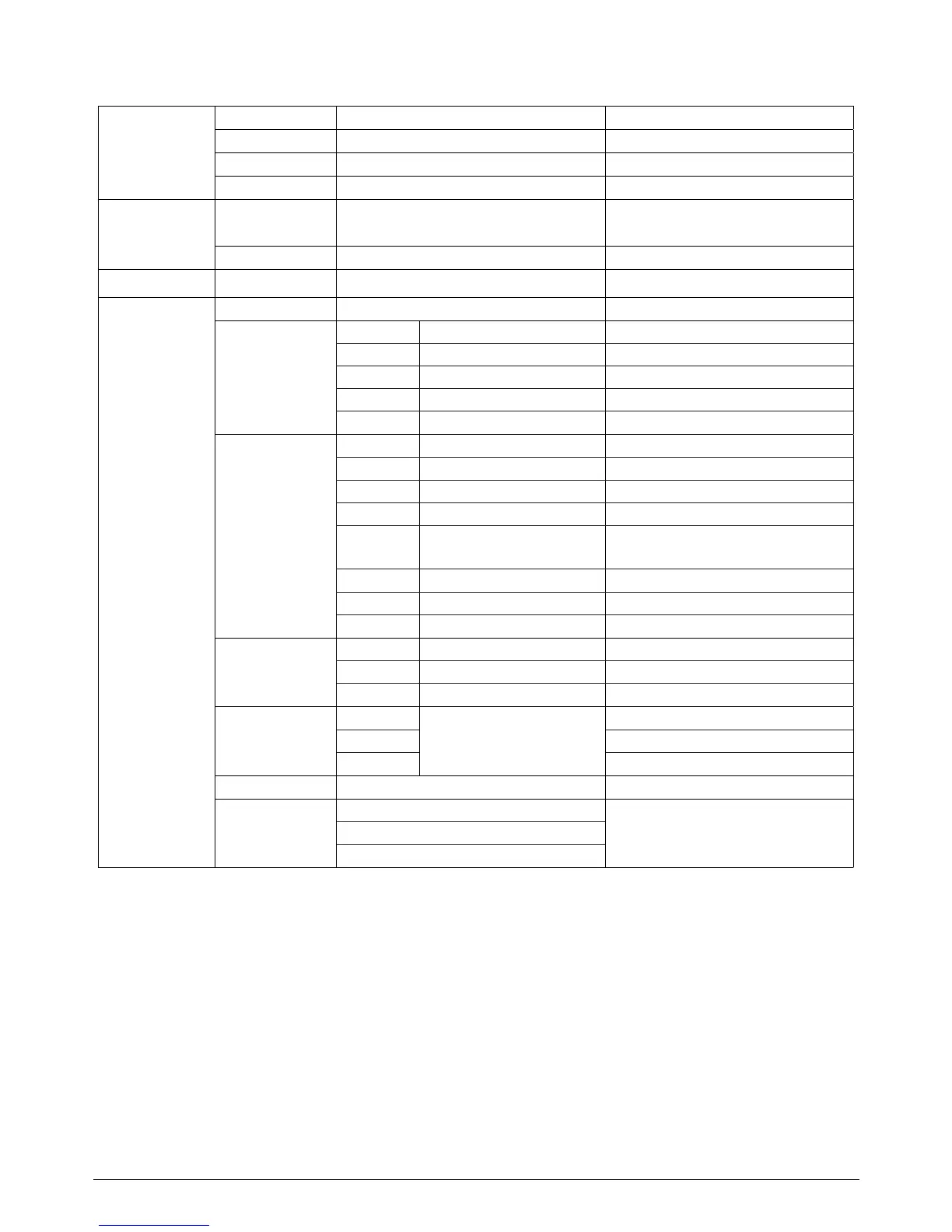
4. Control menu
Connect
DMX Addr XXX DMX address setting
Slave Rece Choose Slave mode
Sequence Alone/Master Choose Sequence mode
Music Alon/Master Choose Sound mode
Light
Max Temp 80~130 ºC,85 ºC
Lamp o if temperature continuously
over for 5 minutes
Lamp Adjust Pan=XXX….. Adjust value of each channels
Information Lamp Temp XXXC Temperature of driver
Set
Reset Reset
Movement
Pan Reve ON/OFF Pan Reverse
Tilt Reve ON/OFF Tilt Reverse
Pan Degree 630/540 Choose Pan Degree
Encoders ON/OFF Encoder wheel on/o
Move Mode Standard/Smooth Choose pan/tilt mode
UI Set
Mic Sens. 0~99%,60% Sensitivity of Mic
No Signal Close/Hold/Auto/Music Mode when no signal
Temper C/F Fahrenheit /Celsius Temperature at ºC/ºF
Fans Mode Auto /High Fans mode
Hibernation OFF, 01M~99M, 15M Sleeping mode
BackLight 02~60m 02m Show backlight time
Flip Display ON/OFF Display 180°reverse
Users Standard/Basic Users mode
Calibration
Password XXX Password: 050
Pan XXX Calibrate channel value
: :
Fixture ID
Name Name
-Password- Password: 050
PID Code Set PID of RDM
Soware V IC Version
Reload Def
Basic Reload
Reload Default
Password
All Reload
BOMBER
ENGLISH VERSION
p. 8


 To Next Page