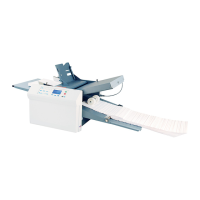
Connecting cables on the DS-75 and DS-85
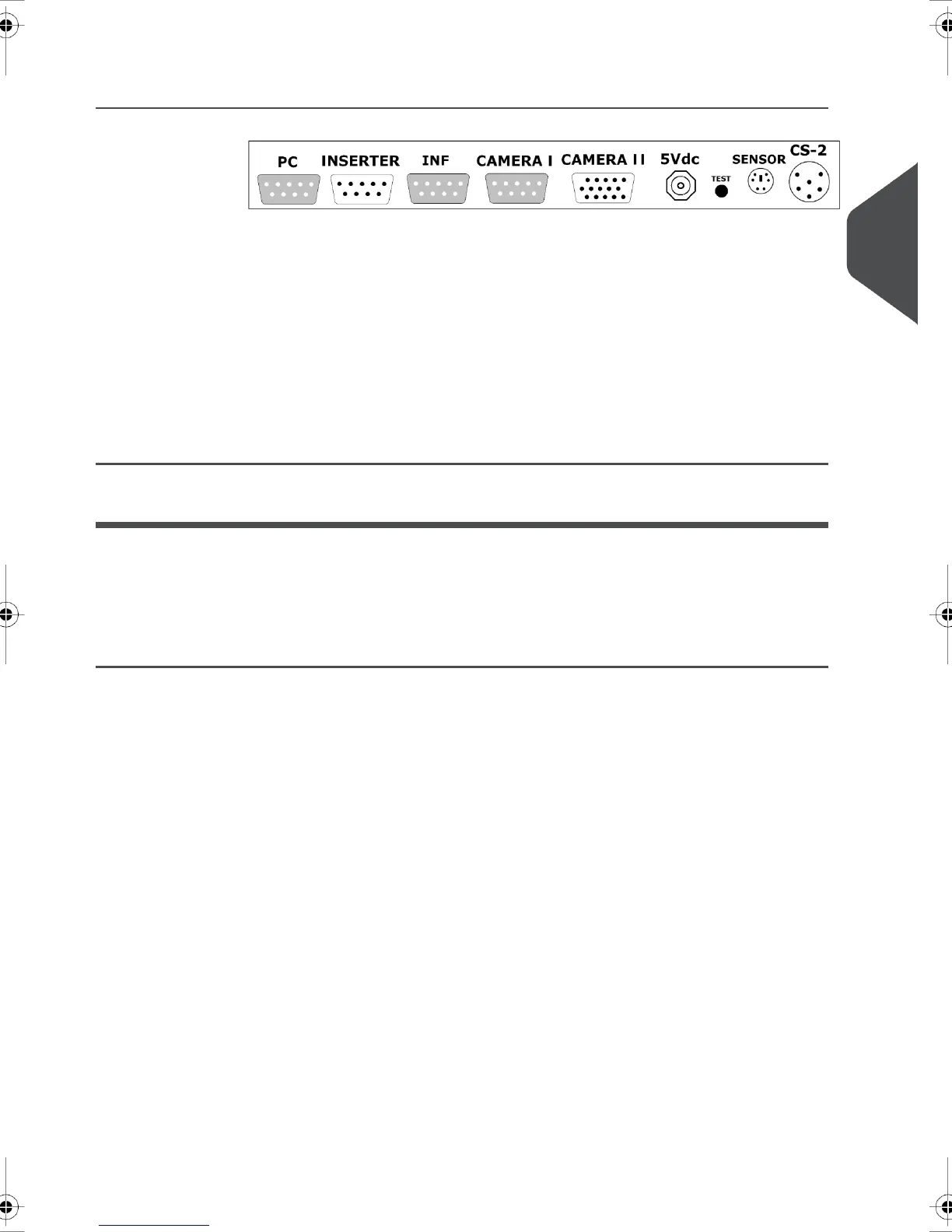
The Document System, camera unit and pc are connected through an interface box, the
MPPC unit. See the figure in this section. Make the following connections to the MPPC
unit:
Connect the cable attached to the camera to the port named ‘CAMERA I’.1.
2. Connect the cable from the port positioned on the back of the Document System to
the port named ‘INSERTER’.
3. Connect the cable from the com port of the PC to the port named ‘PC’
4. Connect the power supply to the socket named ‘5Vdc’.
Installation for the DS-90 and DS-90i
MPPC functionality uses a license code to be supplied by your dealer. See chapter ‘options’
in your operator manual for more information.
Preparation for the DS-90 and DS-90i
To ensure correct reading of the printed MPPC mark, align the MPPC camera. See the top
figure on this page for a DS-90/DS-90i with catch tray and bottom figure for a DS-90/DS-90i
with conveyor belt.
Loosen the knob A located on the camera until you can slide the camera sideways.1.
3
English
5
| Page 5 | Nov-25-2014 09:44 | Installation


 To Next Page