OPERATOR SETTINGS
Language
A number of operator settings can be adjusted to personalize
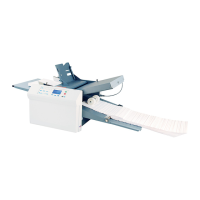
the PF-80 / PF-90. The settings include Language, Stacker
Override, Standard Fold Override, and Test Sheet Setting.
This section will review each setting and how to adjust them.
If needed, there is a Default Settings option that will reset
to factory settings. To advance to each setting press the “
“ buttons to highlight your selection and press the “
” to select setting.
Six languages are available. The factory default is “English
US”.
1. To change the language, select “Language” from the
Operator Settings screen and press the “ ” button to
select.
2. The language choices will be displayed. Press the
“ ” buttons to highlight your language. Press the
“ ” button to enter your selection.
14
© 2009 Neopost USA Inc. All rights reserved.


 To Next Page
 Loading...