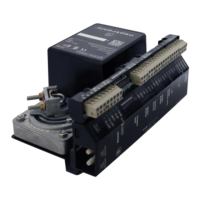
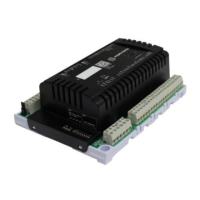
Networkable VAV Controller
Specification and Installation Instructions
www.neptronic.com EVCB Standard Page | 16
Operation Mode
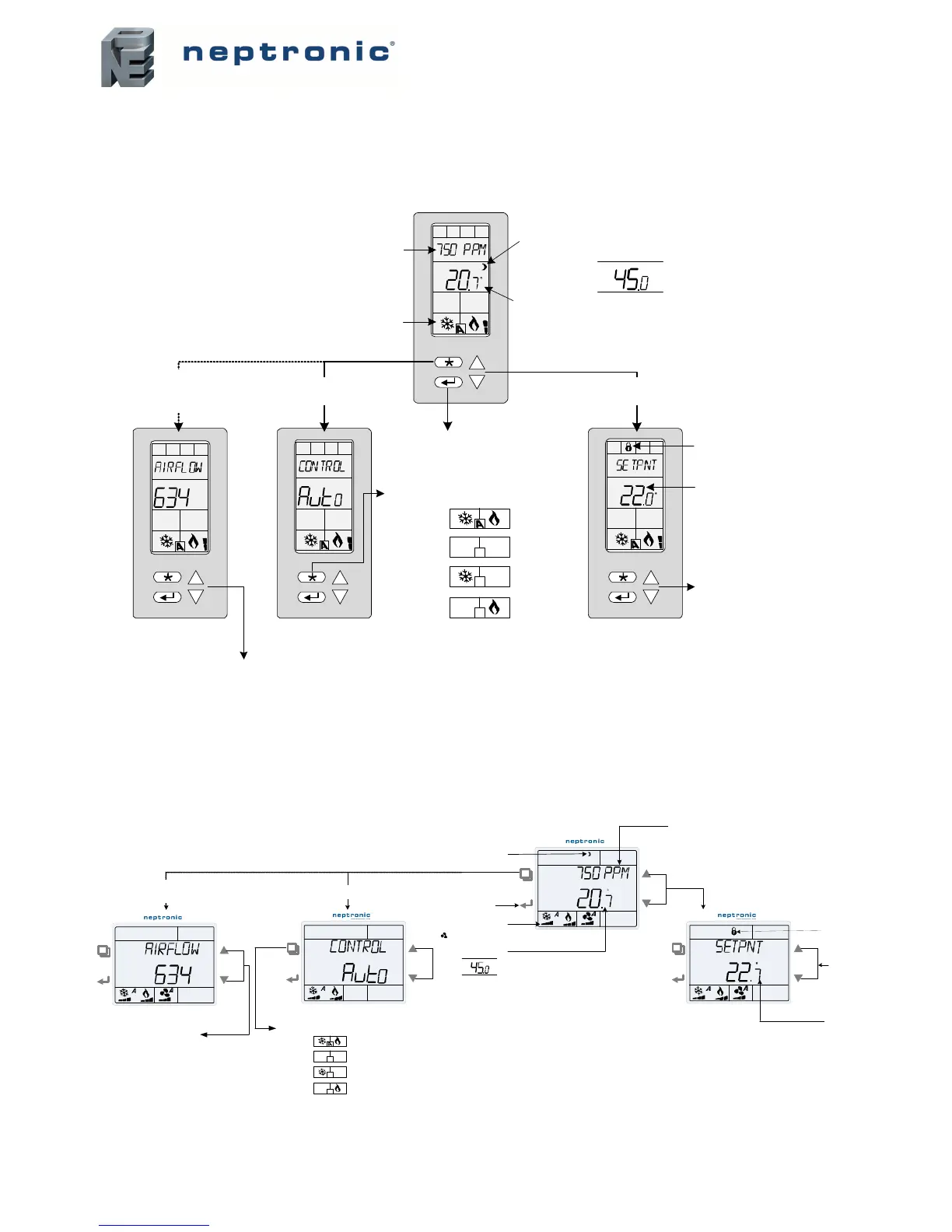
The Mode Selector Jumper (JP1) of the thermostat must be set to the “RUN” position (Operation Mode). Refer to Wiring on page 5.
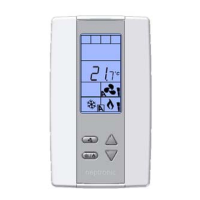
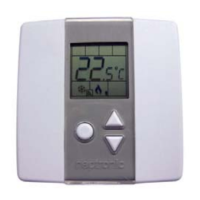
TRL24
TDU
Press to toggle
between °C and °F
Actual demand
C
Appears if setpoint
adjustment is locked
Change setpoint
value
C
Press once to
display control mode
Press for 5 sec.
to display air flow
(if using pressure sensors )
Exits after 5 sec. Exits after 5 sec. Exits after 3 sec.
Press twice to
display setpoint
Setpoint
value
Press to change mode :
-Auto
-Off
- Cool only
- Heat only
Appears if in Night Setback (NSB) or Occupancy
(OCC) mode. Flashes if overridden by user .
CO
2
reading in ppm
(CO
2
display option must be enabled in
programming mode )
%RH
Room
temperature
Alternates between room temperature for 8 sec
and then room humidity for 2 sec.
(requires Humidity sensor thermostats )
Scroll through the following values :
"Airflow" *
"Airflow Setpoint" *
"Actual Damper Pos Percent "
"Air Supply Temp" °
* appears only in pressure independent mode
° appears only if "AST"
is selected for the Analog Input Signal Type
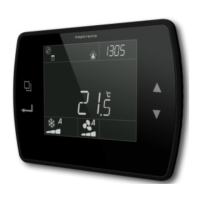
C
Actual demand
Room
temperature
Appears if in Night Setback (NSB) or
Oc cupancy (OCC) mode . Flashes if overridden
by user .
%RH
Alternates between room temperature f or 8 sec and t hen
room humidity for 2 sec.
(requires Humidit y sensor t hermost ats )
Press for 5 sec.
to display air flow
(if using pressure sensors )
Press to toggle between
°C and °F
Press once to display
control mode
C
Scroll through the following values :
"Airf low " *
"Airf low Set point " *
"Actual Damper Pos Percent "
"Air Supply Temp " °
* appears onl y i n pressure ind ependent mode
° appears onl y if " AST" is selected for the Analog Input Signal Type
Exits after 5 sec.
Exits after 5 sec.
Press to change mode :
- Auto
- Off
- Cool only
- Heat only
CO
2
reading in ppm
(CO
2
display option must be enabl ed in
programming mode )
Press twice to
display setpoint
Appears if set point
adjust ment is locked
Change setpoint value
Setpoint value
Exits after 3 sec.
Fan icon appears in fan -powered box applications only


 To Next Page