www.neptronic.com EVCBM – Dual Duct Page | 14
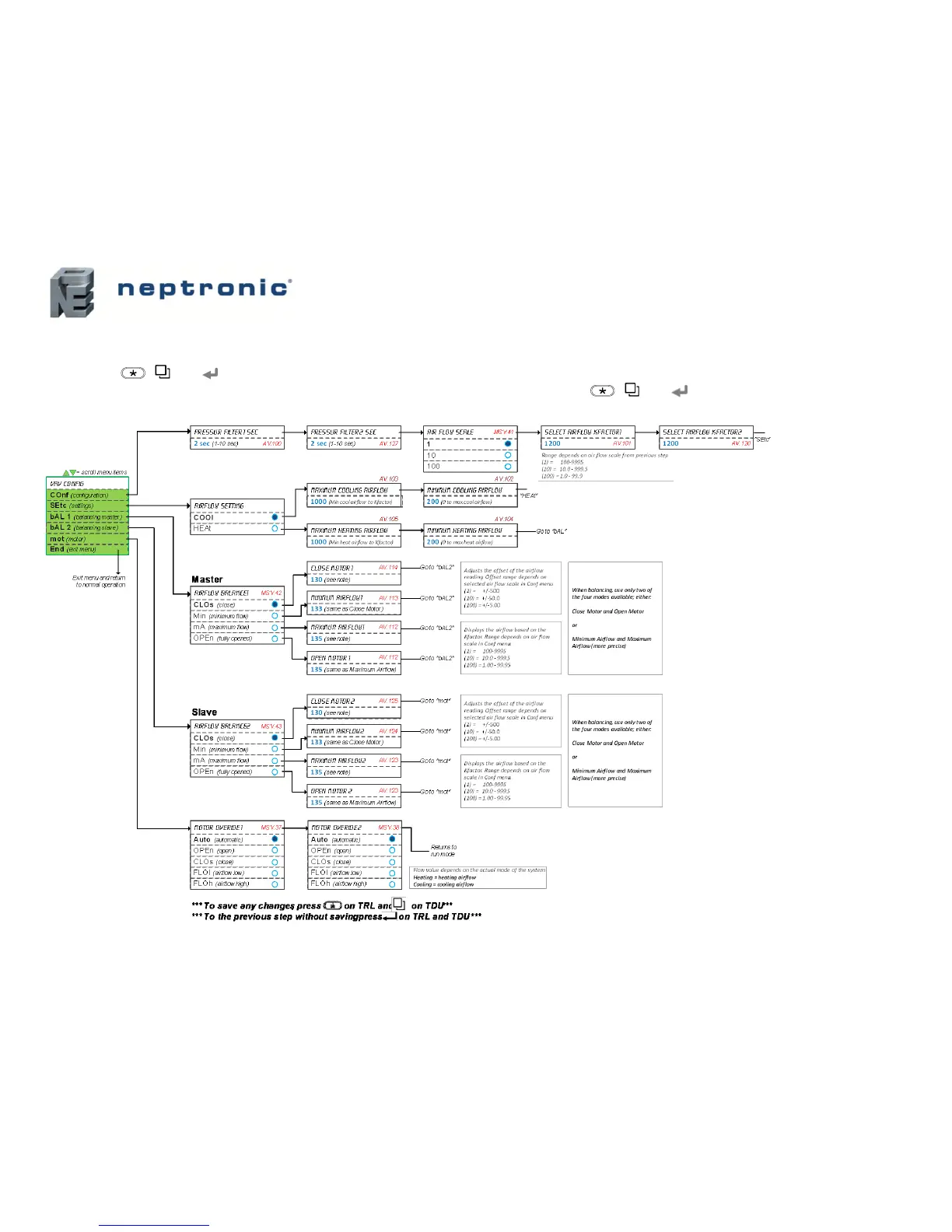
Menu 757 – Airflow Balance Mode
1. This menu is accessible through normal operation mode. Set the thermostat Mode Selector jumper (JP1) to the “RUN” position (Operation Mode). Refer to Wiring on page 6.
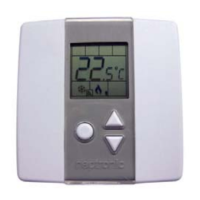
1. Press the [ / ] and keys simultaneously for 5 seconds. The “Enter Password” screen appears.
2. Enter the password (757) within 1 minute by using the arrow keys to increase or decrease the value and the [ / ] and keys to toggle between the digits.
3. If you enter the wrong password, the thermostat displays “Eror” and returns to Operation Mode. The thermostat will return to normal mode if you navigate through the entire
menu and do not make any selection, or if you do not press any key for 5 minutes. The changed values will be saved automatically.


 To Next Page