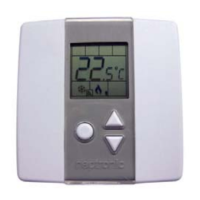
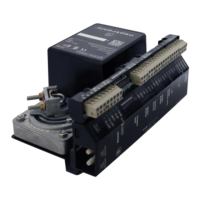
Networkable Dual Duct VAV Controller
Specification and Installation Instructions
www.neptronic.com EVCBM – Dual Duct Page | 5
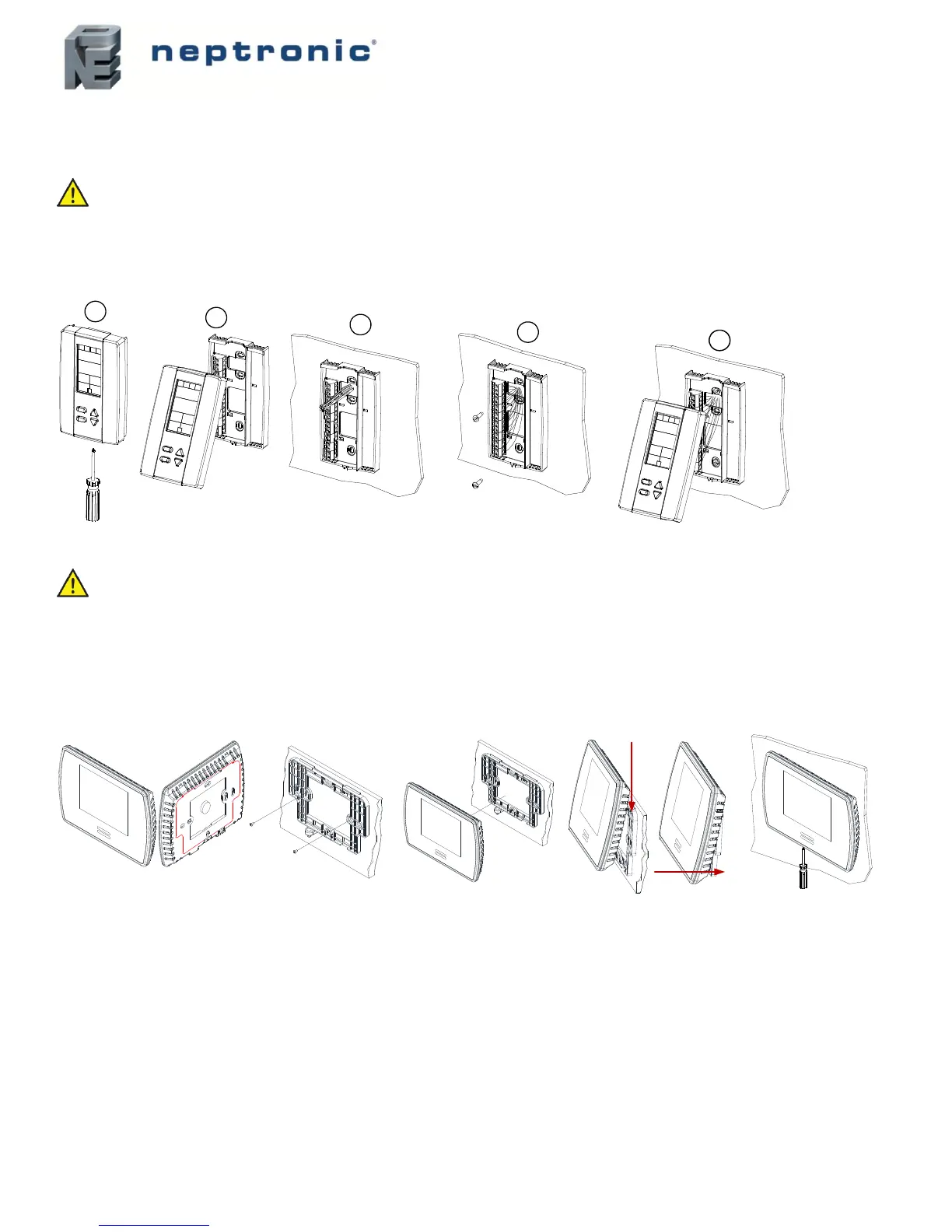
Mounting Instructions
TRL24
CAUTION: Remove power to avoid a risk of malfunction.
A. Remove the captive screw that’s holding the base and the front cover of the unit together.
B. Lift the front cover of the unit to separate it from the base.
C. Pull all wires through the holes in the base.
D. Secure the base to the wall using wall anchors and screws (supplied). Make the appropriate connections.
E. Mount the control module on the base and secure using the screw.
TDU
CAUTION: Remove power to avoid a risk of malfunction.
A. Remove the wall mounting plate (highlighted) from the back of the thermostat.
B. Install the mounting plate on the gang box.
C. Pull the wires through the base hole and make the appropriate connections.
D. Mount the thermostat onto the wall plate. To mount the thermostat correctly, place the top of the thermostat on the mounting plate
first and push it into the grooves to snap it into place.
E. Secure the thermostat using the screw (supplied).


 To Next Page