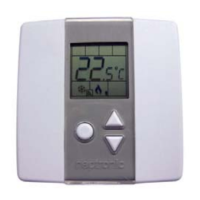
Networkable Dual Duct VAV Controller
Specification and Installation Instructions
www.neptronic.com EVCBM – Dual Duct Page | 7
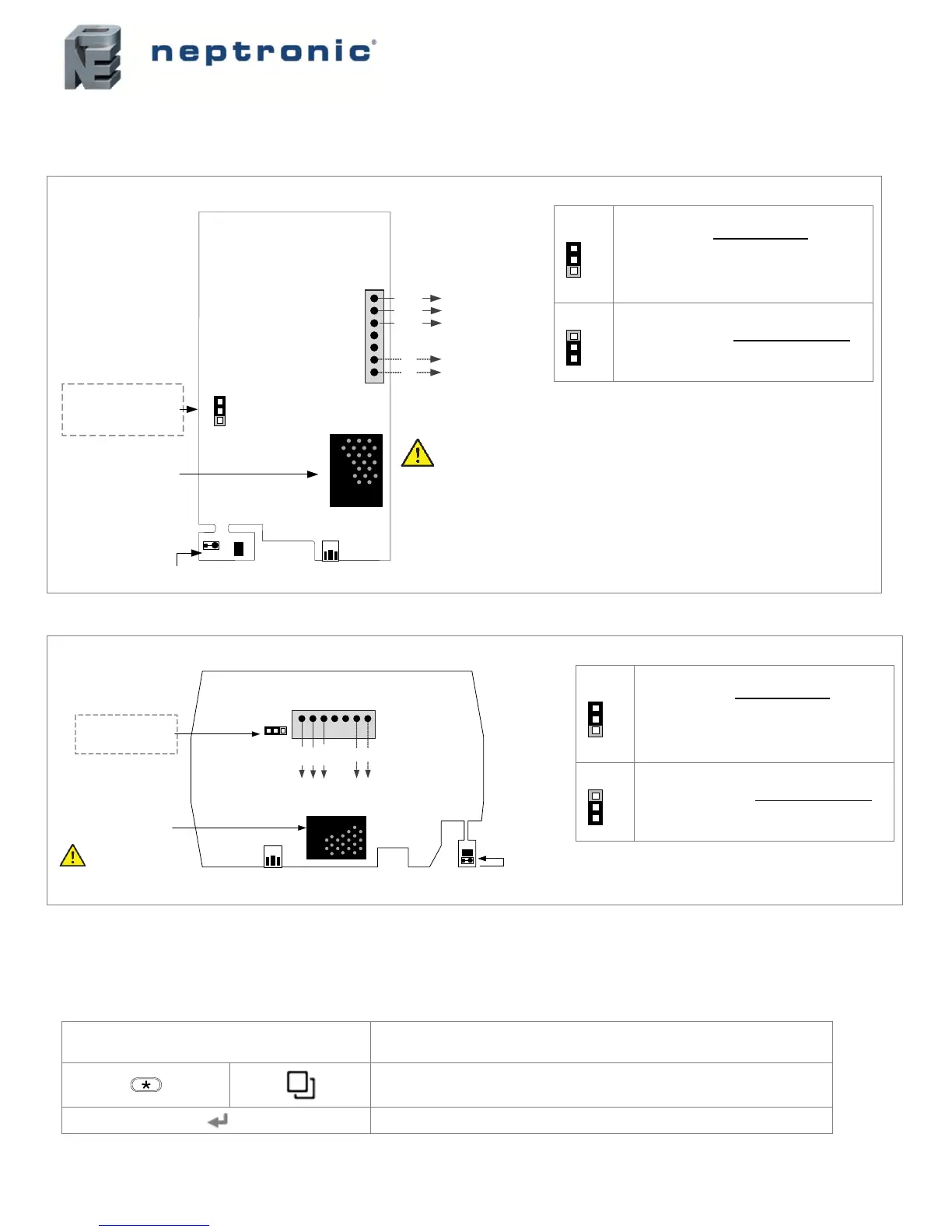
PCB Drawings
TRL24 Thermostat
3 wire cable (TB1 #1, 2 & 3)
Connect TB1 #6 (A+) & #7 (B-) to EVCB to enable the BACnet service port.
RUN:
Thermostat is in Operation Mode.
Thermostat must be set in this mode for
normal system operation. If not locked,
setpoint and control mode can be changed
by the end user.
PGM:
Thermostat is set in Programming Mode.
Refer to the following sections for more
details.
TDU Thermostat
3 wire cable (TB1 #1, 2 & 3)
Connect TB1 #6 (A+) & #7 (B-) to EVCB to enable the BACnet service port.
RUN:
Thermostat is in Operation Mode.
Thermostat must be set in this mode for
normal system operation. If not locked,
setpoint and control mode can be changed
by the end user.
PGM:
Thermostat is set in Programming Mode.
Refer to the following sections for more
details.
Access to Menus
The menu overviews and options are the same for both TRL24 and TDU thermostats. However, the action key or the key used to
access the menus and save changes is different in the thermostats. Use the following menu overviews with the appropriate action key
as per your thermostat.
Action Keys on Thermostat
Press to access the programming menus and save any changes.
Press to return to the previous step without saving.
Mode Selector Jumper
RUN = Operation Mode
PGM = Programming Mode
BACnet
service port
Avoid touching the CO
2
sensor as this may cause
incorrect readings
TB1
1
2
3
4
5
6
7
PGM RUN
A
B
C
JP1
Optional: connect
to BACnet network to
enable service port
CO
2
sensor
(TRLG24 and TRLGH24 only)
A+
DATA
PWR
COM
B-
Connect to VAV
controller
Temperature sensor (all models)
Humidity sensor (TRLH24 and TRLGH24 only)
Mode Selector Jumper
RUN = Operation Mode
PGM = Programming Mode
BACnet
service port
JP1
PGMRUN
TB1
Optional: connect
to BACnet network to
enable service port
A+
DATA
PWR
COM
B-
Connect to EVCB
1 2 3 4 5 6 7
CO
2
sensor
(models with CO
2
sensors)
Avoid touching the CO
2
sensor as this may cause
incorrect readings
Temperature sensor (all models)
Humidity sensors (models with humidity
sensors)


 To Next Page