To print a delivery ticket for LPG, “NON-PRESET” BATCH mode
1. Insert the ticket in the printer.
2. When the delivery is completed press the red
STOP/CANCEL button to close the
security valve (if you didn’t do it for the step 8).
3. Press the
STOP/CANCEL button again to print the delivery ticket. If additional copies
of the delivery ticket are required press the
START/ENTER button once for each copy
required (each copy will have “
DUPLICATE” printed at the bottom).
4. After printing the ticket, press the
STOP/CANCEL button to complete the delivery and
return to the “
SELECT PRODUCT” menu. To return to the NEPTUNE root menu press
the
STOP/CANCEL button 2 times.
Note
: The delivery ticket will be printed automatically, three minutes after the delivery is
completed, without pressing any buttons if “
MULTIPLE DELIVERIES” is disabled.
To print a shift report
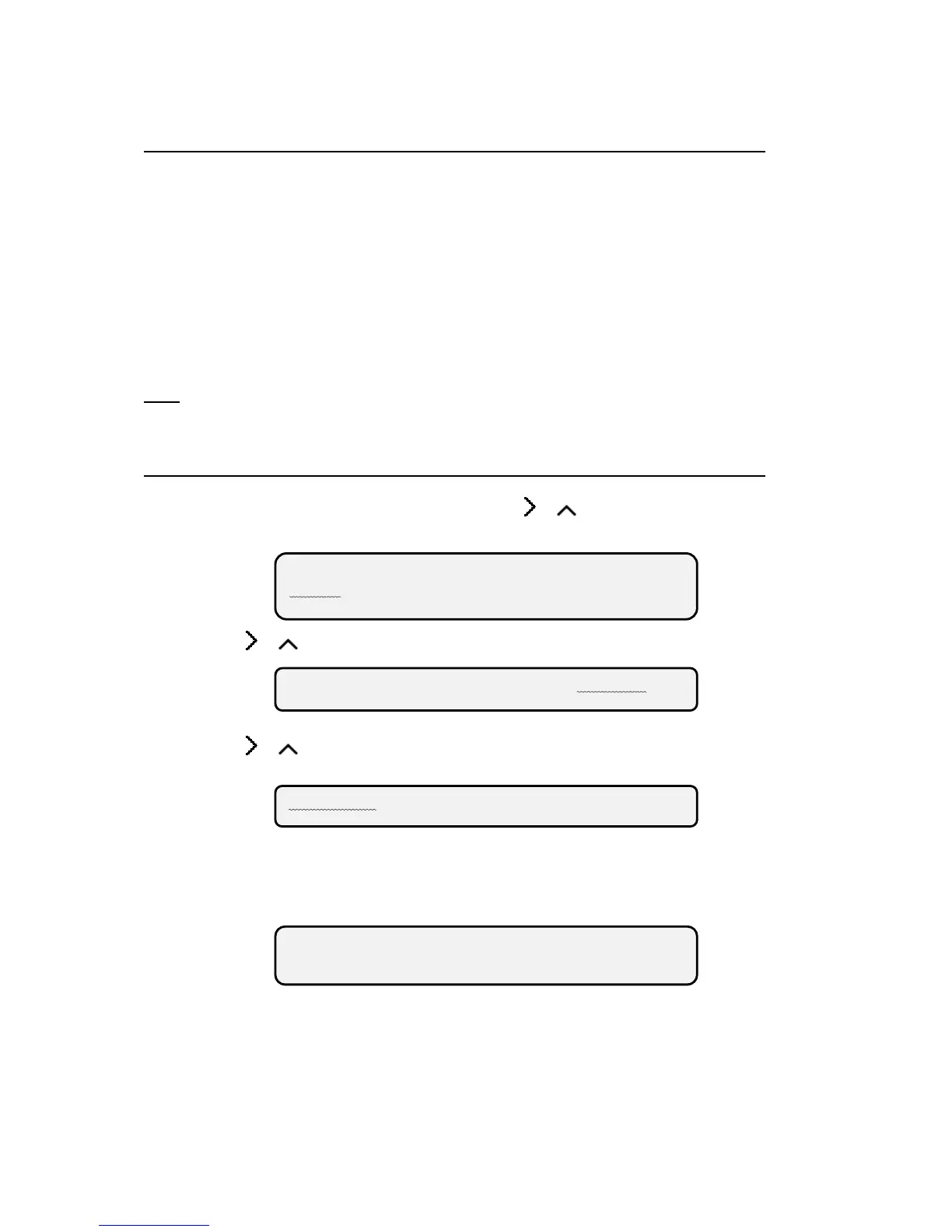
1. From the NEPTUNE root menu, press either or , on the four button front panel,
until “
ROUTE” is flashing, then press the START/ENTER button.
2. Press or until “REPORTS” is flashing, then press the START/ENTER button.
3. Press or until “SHIFT” is flashing, then press the START/ENTER button.
4. Press the START/ENTER button when the display reads “PRINT-END-OF SHIFT
REPORT?”
5. The end of shift report will now print.
NEPTUNE
ROUTE SUPERVISOR W&M
DELIVERY VOL REPORTS
SHIFT CALIBRATION
PRINT END-OF-SHIFT
REPORT?



 To Previous Page