Saturn B/M Enhanced Functions – Chapter 2. Standard
2.3
Traffic Logging
General
Each telephone port can be configured for logging of the following
data:
• Destination address (B subscriber’s number)
• Date and time of call
• Call duration
• LES used
• User ID (to code protected ports only,
see "Access Code".)
• Port designation
To avoid unauthorized use, the function can be protected by password
levels:
see "Renter/Owner Level"
.
The following tasks can be allocated:
• SETUP OPE. –
selection of ports to be logged, and clearing of logs.
(default access level: OWNER).
• UPDATE OPE. – defining levels that can delete and flush logs
(default access level: OWNER).
• VIEW OPE. – reading and printout of logs
(default access level: OPERATOR)
Setting of ports to be logged and access levels is made with the "En-
hanced Setup" function no. 89,
see "Selecting Ports and Access
Level" on next page.
Shortcut
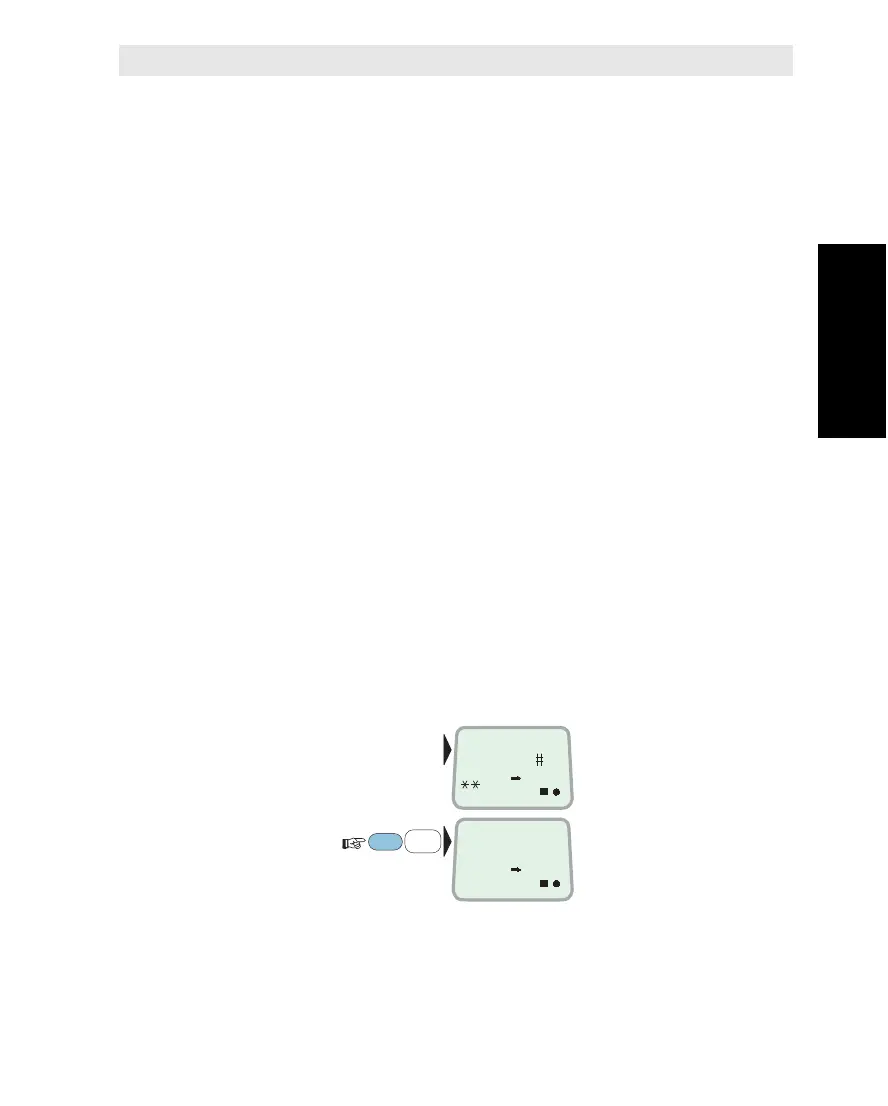
For daily routine, you may print out the traffic log using the shortcut
SHIFT + PLAY:
This will print and flush the time log,
see "TIME Log Output".
Make sure that the user level is appropriate.
Traffic Logging
SHIFT
2
DEF
PLAY
DIAL 00+INTL
TEL.NO.+
ON
PRINTING
ACCEPTED
ON



 To Next Page