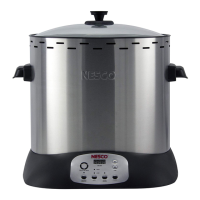
CONTROL PANEL FUNCTIONS
5
English
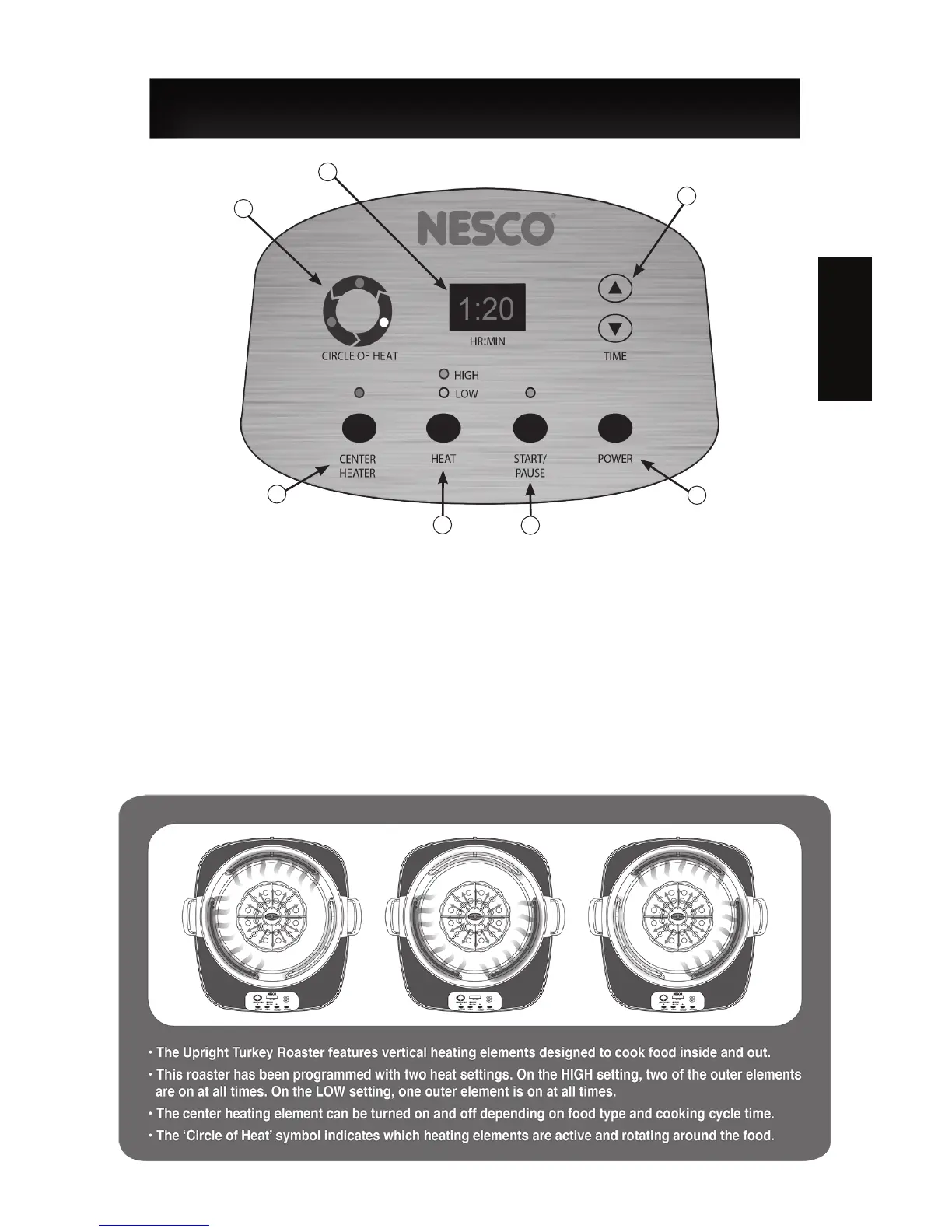
12. Outer Heat Elements Cycle Indicator - Indicates which elements are working.
13. Digital Display (HR:MIN) - Displays remaining cooking time in hours and minutes.
14. Time Adjustment - Timer range: 0 to 4:00 hours Max.
15. Center Heat Element Selection Button - Turns center element on and off.
16. Heat Selection Button - Default Low Heat: 300°F / Default High Heat: 500°F
17. Cooking Cycle Start/Pause Button - Starts and pauses the cooking cycle.
18. Power Button - Turns the appliance on and off.
12
13
14
15
16
17
18
Roaster Features:


 To Next Page