9. Mount Hello
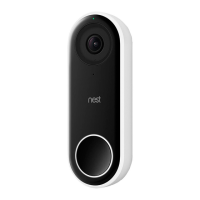
Slide the top of Hello into the wall plate. Then press until the
doorbell clicks into place.
If it doesn’t seat properly or you don’t hear a click, re-check that
you’ve fully tucked any excess wire back into the hole.
Tip: If you ever need to remove Nest Hello, push the included
release tool (or a thumbtack) into the hole on the bottom to release
it.
10. Switch the power on and plug in the adapter
Skip ahead in the app until it asks you to switch the power back on. Then turn the power on at
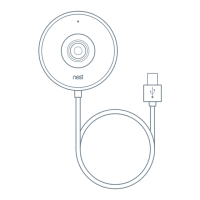
your breaker or fuse box and plug the power adapter into the indoor wall outlet.
You can use an extension cord to reach if needed. If you have excess cable, you can either
tuck it back into the hole in the wall or use a cable tie to wrap it up.
11. Check Hello’s power
Once it’s plugged in Nest Hello will turn on, and its light ring will turn blue.
Troubleshooting
If the light ring doesn’t turn on, double check that the adapter is plugged in to a live power
outlet. Then unplug the adapter and plug it back in. Also make sure the wires are properly
connected to the back of Hello and that the screws are snug.


 To Next Page