Net.DO Lighting Control Equipment Co.,Ltd http://www.netdo.com.cn
TG24/48 LIGHTING CONTROLLER PAGE: 9
4. Push PRESET Fader to change the value of channel;
5. Repeat Step 3~4 to edit next Chase-step;
6. Press PROGRAM key to quit. (Or repeat Step 2~4 to edit another Chase.)
Tips:
z Press the DELETE key to delete Chase-step.
z Use W STEP X key to select Chase-step.
z Press INSERT(+) key to add Chase-step.
z If the Chase-step is the last, it displays *.
(Eg: 10 is the last Chase-step, the LCD will displays *10)
4.3 Running
Push the SUBMASTER Fader on to Running relevant scene and chase.
4.3.1 RUNNING SCENE
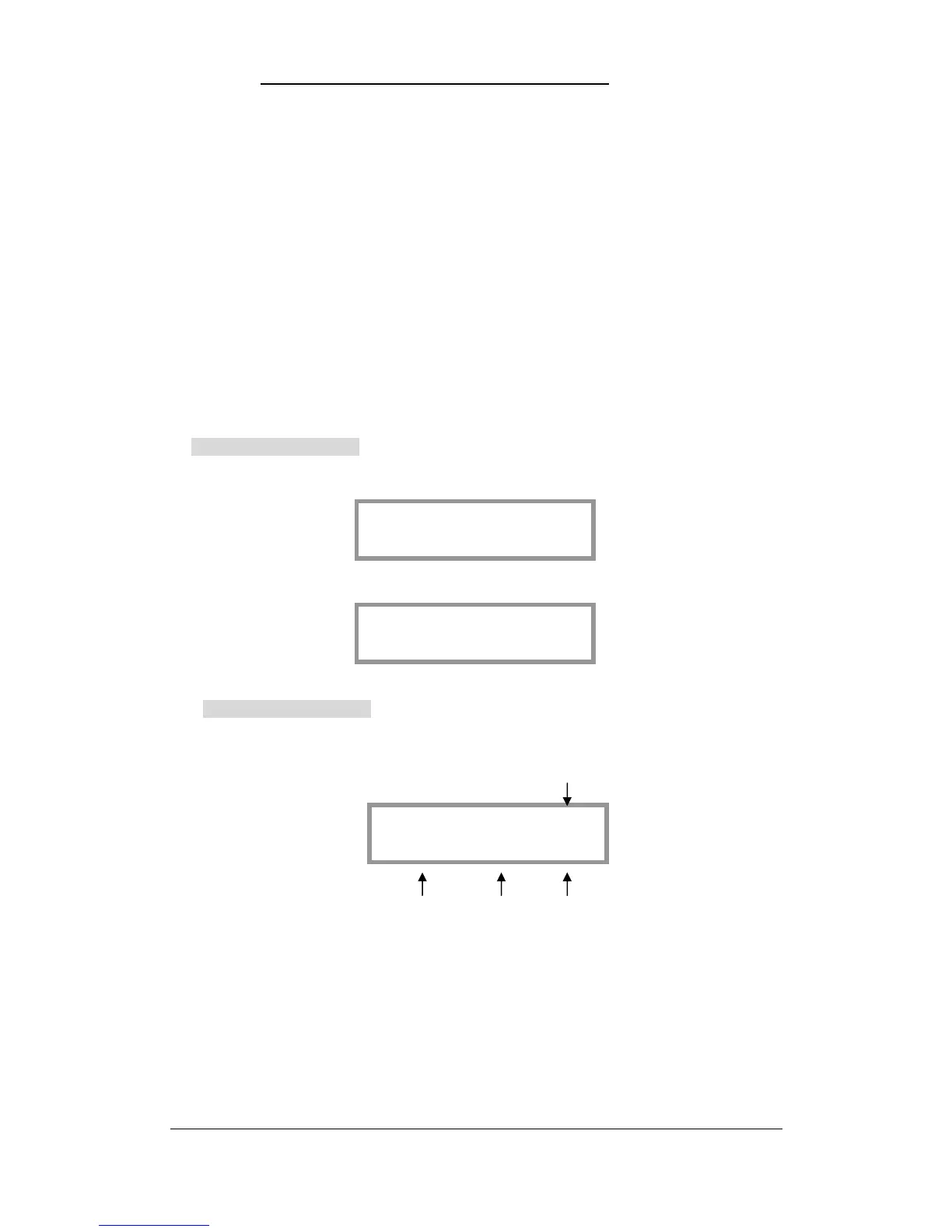
If the SUBMASTER is not recorded, LCD displays:
4.3.2 RUNNING CHASE
When Chase Running, LCD displays: Chase number
Trigger mode Direction Current Step
Eg: Running the 10th Chase of Page 8.
1. Press PAGE key to turn to Page 8;
2. Push the SUBMASTER Fader 10 to running Chase 10.
Tips:
z Press the Submaster key to flash-running the Scene or Chase.
z Press the Submaster key or push the Submaster fader to convert the Chase to the
CHASE: (8.10)



 To Next Page