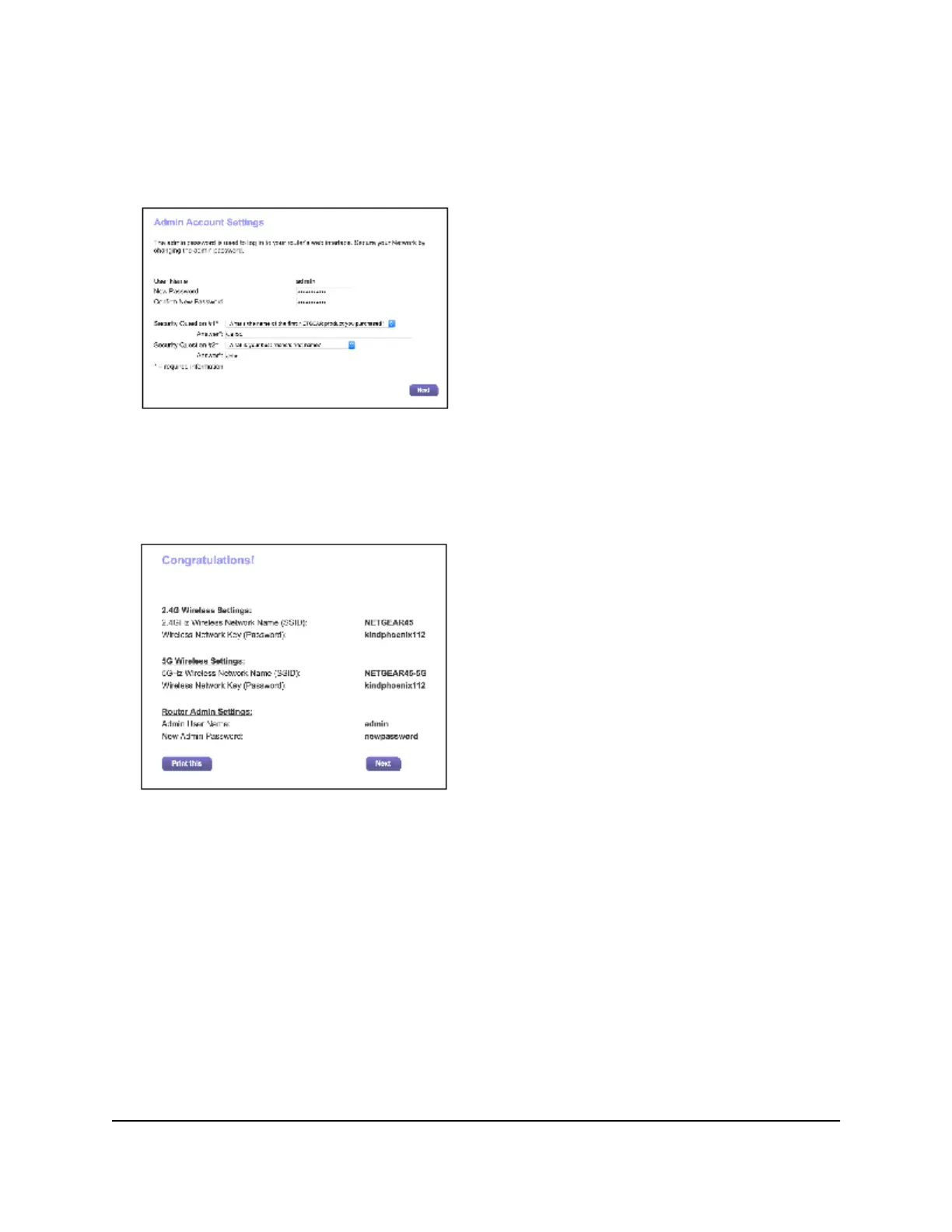
The first time you log in to the modem router, you are prompted to change the
admin password and set up security questions. You must enter these settings before
you can access the Internet.
4. Enter a new password.
5. Select security questions and enter the answers.
6. Click the Next button.
7. Click the Next button.
The modem router connects to the Internet. The BASIC Home page displays the
status of the Internet connection.
User Manual28Connect to the Network and
Access the Modem Router
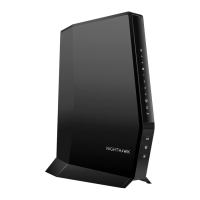
Nighthawk AX6 AX2700 WiFI Cable Modem Router Model CAX30





 To Next Page