Configure WPA and WPA2 Enterprise WiFi Security.......................................77
Use WPS to Add a Device to the WiFi Network...................................................79
Use WPS With the Push Button Method.........................................................79
Use WPS With the PIN Method.......................................................................80
Manage the Basic WiFi Settings and WiFi Security of the Guest Network..........81
Control the WiFi Radios.......................................................................................84
Use the WiFi On/Off Button.............................................................................84
Enable or Disable the WiFi Radios..................................................................84
Chapter 8 Share a Storage Device Attached to the Router
USB Device Requirements..................................................................................87
Connect a USB Device to the Router...................................................................87
Access a Storage Device Connected to the Router.............................................88
Access the Storage Device From a Windows-Based Computer.....................88
Access the Storage Device From a Mac.........................................................88
Map a USB Device to a Windows Network Drive.................................................89
Back Up Windows-Based Computers With ReadySHARE Vault.........................90
Back Up Mac Computers With Time Machine......................................................90
Set Up a Storage Device on a Mac.................................................................90
Prepare to Back Up a Large Amount of Data..................................................91
Use Time Machine to Back Up Onto a Storage Device...................................92
Manage Access to a Storage Device...................................................................93
Enable FTP Access Within Your Network.............................................................94
View Network Folders on a Device......................................................................95
Add a Network Folder on a Storage Device.........................................................96
Change a Network Folder, Including Read and Write Access, on a USB Drive....97
Approve USB Devices..........................................................................................97
Safely Remove a USB Device..............................................................................98
Chapter 9 Use the Router as a Media Server
Specify ReadyDLNA Media Server Settings......................................................101
Play Music From a Storage Device With iTunes Server.....................................102
Chapter 10 Share a USB Printer
Install the Printer Driver and Cable the Printer..................................................105
Download the ReadySHARE Printer Utility........................................................105
Install the ReadySHARE Printer Utility..............................................................105
Use the Shared Printer......................................................................................106
Manually Connect and Print..........................................................................106
Print and Release the Printer........................................................................106
View or Change the Status of a Printer..............................................................107
Use the Scan Feature of a Multifunction USB Printer........................................108
Manage the NETGEAR USB Control Center Settings.......................................108
Turn Off Automatic Startup of the NETGEAR USB Control Center...............108
Change the NETGEAR USB Control Center Language................................109
Specify the USB Control Center Time-Out....................................................109
5
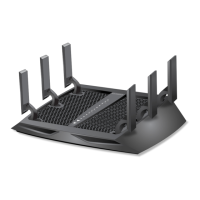
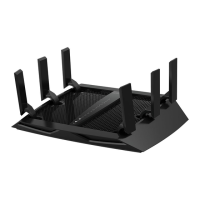
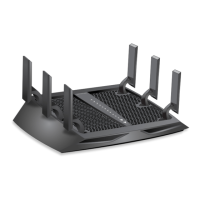
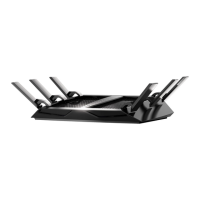
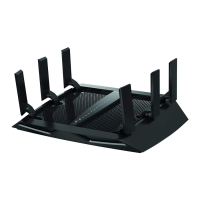
Nighthawk X6S AC3000 Tri-Band WiFi Router Model R7900P


 To Next Page