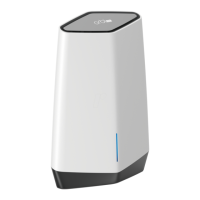
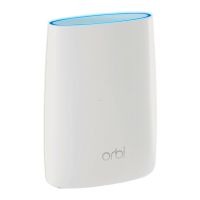
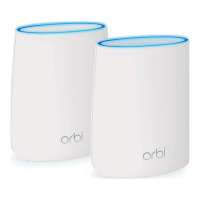
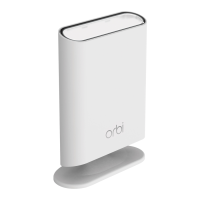
Overview
8
Orbi High-Performance AC3000 Tri-band WiFi System
LED Behavior
The following table describes the Orbi LED behavior.
Table 1. LED descriptions
LED LED behavior
Power The Power LED is located above the Power On/Off button on the rear panel.
• Solid green.Power is on.
• Solid amber. The
router or satellite is rebooting.
• Blinking amber. Resetting to factory default settings.
• Blinking red. The
firmware is corrupted.
• Off. Power is not supplied.
Router ring The ring LED is located on the top.
• Solid white. The
router is booting.
• Off. The
router finished booting and is working normally.
• Blinking white.
The router is resetting to factory settings.
• Blinking amber.
The router cannot connect to the Internet. See
Cannot
Access the Internet
on page 100.
• Blinking blue and magenta. The
Internet connection is blocked because
you set up Internet traffic metering and reached the maximum allowed
amount of Internet traffic.
Satellite ring The ring LED is located on the top.
• Solid white. The
satellite is booting.
• Off. The
satellite finished booting and is working normally.
• Blue for 10 seconds.
The connection between the router and the satellite
is good.
• Amber for 10 seconds. The
connection between the router and the
satellite is fair.
• Blinking magenta.
The satellite is not connected to the router.
• Magenta for 10 seconds.
The satellite cannot get an IP address from the
router.
Router ring and satellite
ring during sync
The ring LEDs are located on the top.
• Blinking white. The Sync button was pressed.
• Blue for 3 seconds.The sync between the router and satellite succeeded.
• Magenta for 3 seconds.
The router and satellite failed to sync. See
The
Router and Satellite Do Not Sync
on page 99.


 To Next Page
 Loading...