16
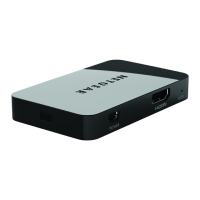
Tips for Enjoying Push2TV
• To display different content on the TV while you use your
laptop, change the screen display setting on your laptop to
extend mode.
• You can mute your laptop and still watch videos with sound.
• You can stop your laptop from going to sleep when you close
the lid while you use wireless display.
From Windows, select Start > Search, type closing lid in the
search field, and change the setting to do nothing.







 To Next Page