18
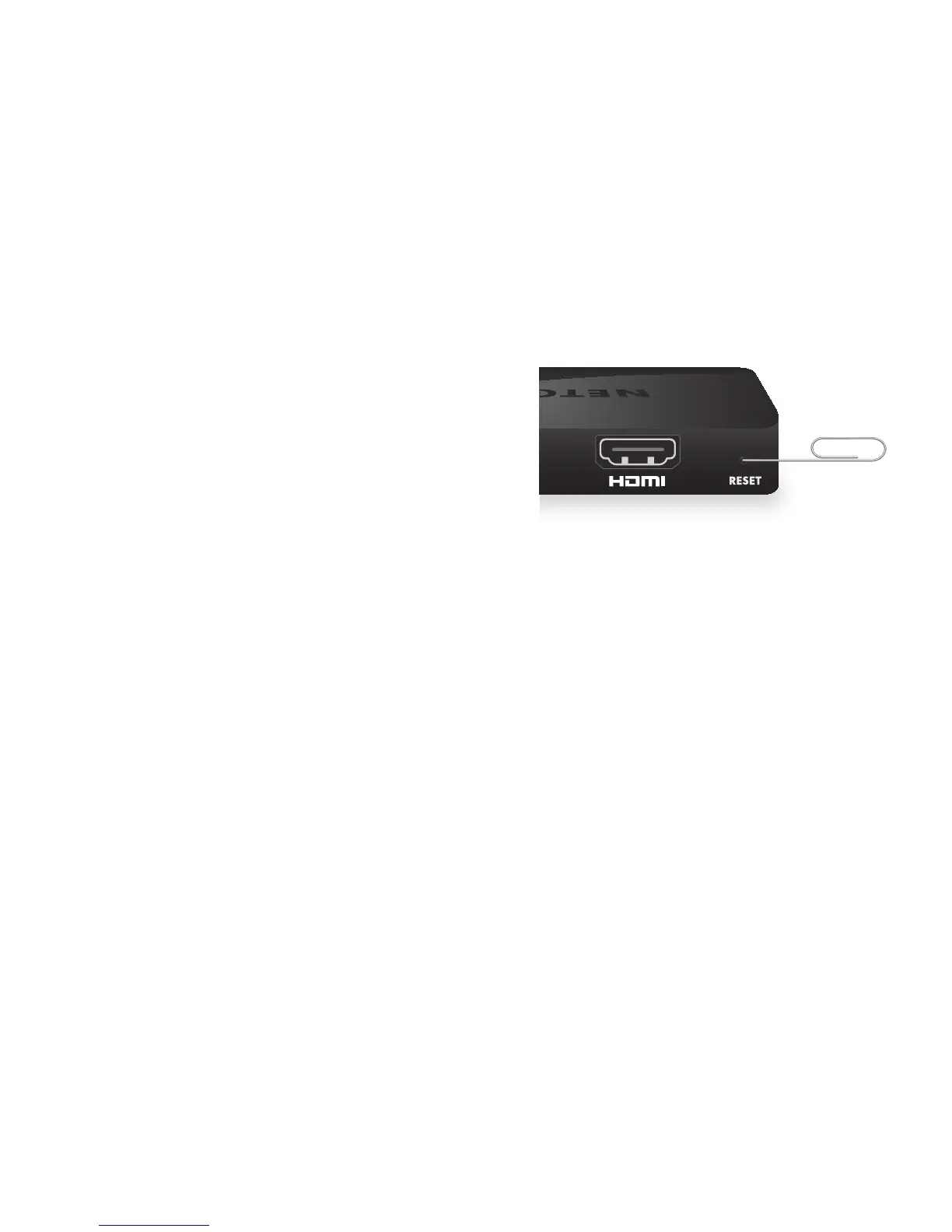
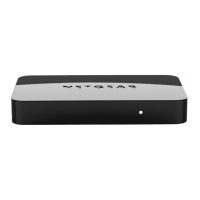
Q How can I restore the
Push2TV factory settings?
Use a paper clip to press and hold
the Reset button for 10 seconds.
About Wi-Fi CERTIFIED Miracast and Intel WiDi
• For a list supported devices, visit
www.netgear.com/landing/stream/tv/#push2tv#devices.
• To check for the latest Intel WiDi software on your laptop, visit
www.intel.com/go/wirelessdisplayupdate.
For Intel WiDi system requirements, visit
www.intel.com/support/wireless/wtech/iwd/sb/CS-031059.htm.




 To Next Page