The user name is admin. The password is the one that you specified the first time
that you logged in. The user name and password are case-sensitive.
The BASIC Home page displays.
4. Select Wireless.
The Wireless Setup page displays.
5. Select or clear the Enable Smart Connect check box.
Selecting this check box turns on Smart Connect and clearing this check box turns
off Smart Connect.
6. Click the Apply button.
Your settings are saved.
User Manual88Optimize Performance
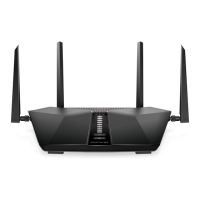
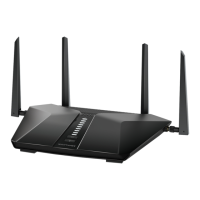
Nighthawk AX4 4-Stream AX3000 WiFi Router




 To Next Page