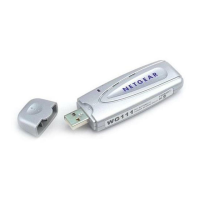
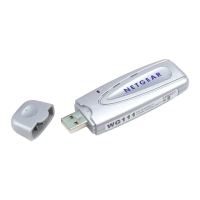
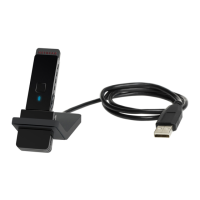
NETGEAR 54 Mbps Wireless USB 2.0 Adapter WG111v2 User Manual
4
v3.0, January 2007
b. Follow the Windows prompts to complete the software installation.
c. If a Windows logo certification warning appears, click Continue to proceed with the
installation.
d. When the Windows software installation is complete, click Finish.
3. Windows 2000 users go to Step 4. Windows XP or Vista users can set up the wireless adapter
either with the NETGEAR Smart Wizard (recommended) or the Windows Configuration
Utilities.
• NETGEAR Smart Wizard: Reveals more information about each network and makes it
easier to troubleshoot network connection problems. See “The Smart Wizard Status Bar”
on page 7 and “Statistics Page” on page 26.
• Windows Zero Configuration Utility: See the Windows documentation or see the link to
“Windows XP and Vista Wireless Configuration Utilities” on page 35.
Figure 2
Figure 3


 To Next Page
 Loading...