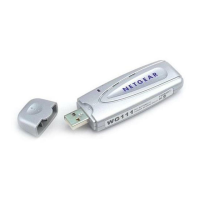
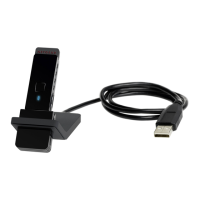
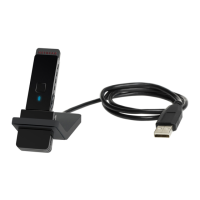
NETGEAR 54 Mbps Wireless USB 2.0 Adapter WG111v2 User Manual
5
v3.0, January 2007
4. Use the Smart Wizard to set up your Wireless Adapter
a. When prompted, click Next to let the wizard help you connect to a network
(recommended).
b. Select the wireless network from the drop-down list, and the wizard records your choice.
If the network uses security, then the Smart Wizard detects it..
c. Follow the Wizard steps for Security (if used) and for saving a Profile.
d. After you have reviewed the settings, click Finish.
Figure 4
Note: Hidden networks do not broadcast the Network Name (SSID). These
networks are in the drop-down list, but the Network Name (SSID) is blank
Figure 5


 To Next Page
 Loading...