4
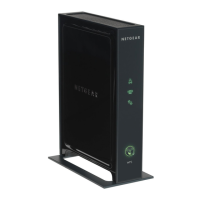
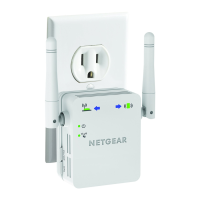
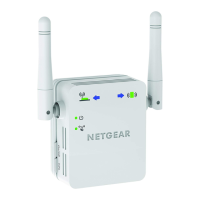
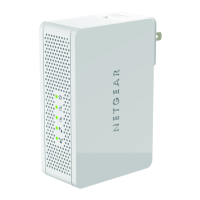
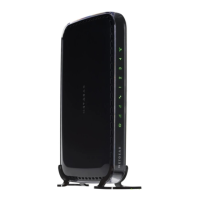
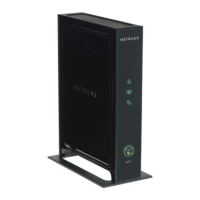
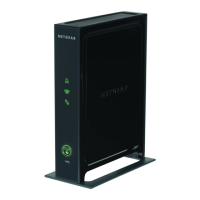
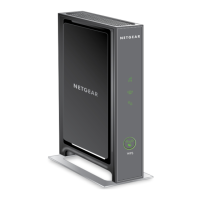
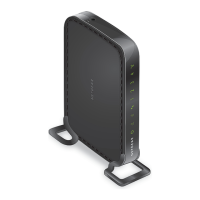
The LEDs on the front show how the Extender is working:
•
WPS. This LED indicates a WPS wireless connection.
- Solid green. T
here is wireless security (WPA or WPA2).
- Blin
king green. A WPS connection is in progress.
•
PC to Extender. The LED is lit when the Extender is
connected to a PC.
•
Status. This LED is lit when the Extender is powered on.
•
Link Rate. This LED indicates a wireless connection
between the Extender and the router.
- Gre
en is best.
- Amb
er is good.
- Red is
poor.
The side panel has the following features:
• Ether
net port. You can use this for a wired connection to a
computer or other device as described in the User Manual.
• Fa
ctory Reset button. To use this button, stick a paper clip into
the reset hole and hold it until the Status LED flashes.
•
WPS button. Press the WPS button to wirelessly connect
the Extender to your router or wireless adapter.
• Dev
ice On/Off button. Turns the device on and off.


 To Next Page
 Loading...