9
Extender Performance
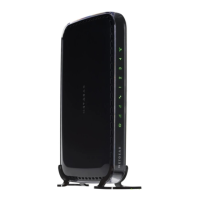
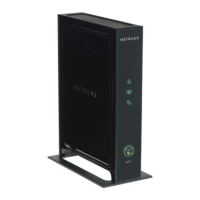
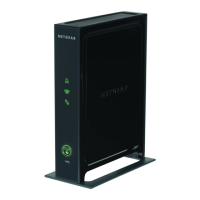
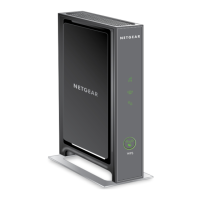
The Link Rate LED and PC to Extender LED indicate
performance.
• T
he best performance is delivered when both of these LEDs are
green.
• A work
able performance is delivered when the Link Rate LED is
amber and the PC to Extender LED is green.
• If
the Link Rate LED is red, that indicates a poor connection. If it is
off, there is no connection between the Extender and the router.
• If
the PC to Extender LED is off, then the PC is not connected to
the Extender.
To improve the Extender performance:
1. Mo
ve the Extender closer to the router or to a different location
with a better line of sight.
2. As you
move the Extender, check the Link Rate and the PC to
Extender Connection LEDs on the front panel until you find a good
location as described in the previous section Place the Extender
and Apply Power.


 To Next Page
 Loading...