5
Getting Started
When the Extender has been integrated into your wireless network, it
extends the wireless network to include the area outside the range of
your existing router.
Place the Extender and Apply Power
1. Place the Extender an equal distance between your router and the
wireless device located outside the range of your router.
If you have to use a different location, move the Extender closer
to the device, but still within the wireless range of the router.
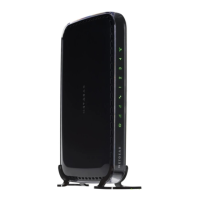
Position the Extender’s antennas up as shown in the previous
section, Hardware Features.
2. Plug
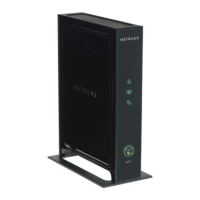
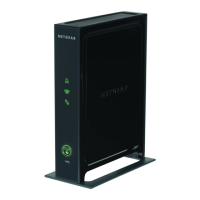
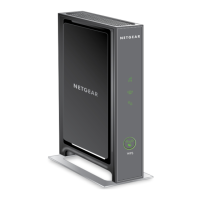
in the Extender, and wait 1 minute. The Status LED turns
green.



 To Next Page
 Loading...