10
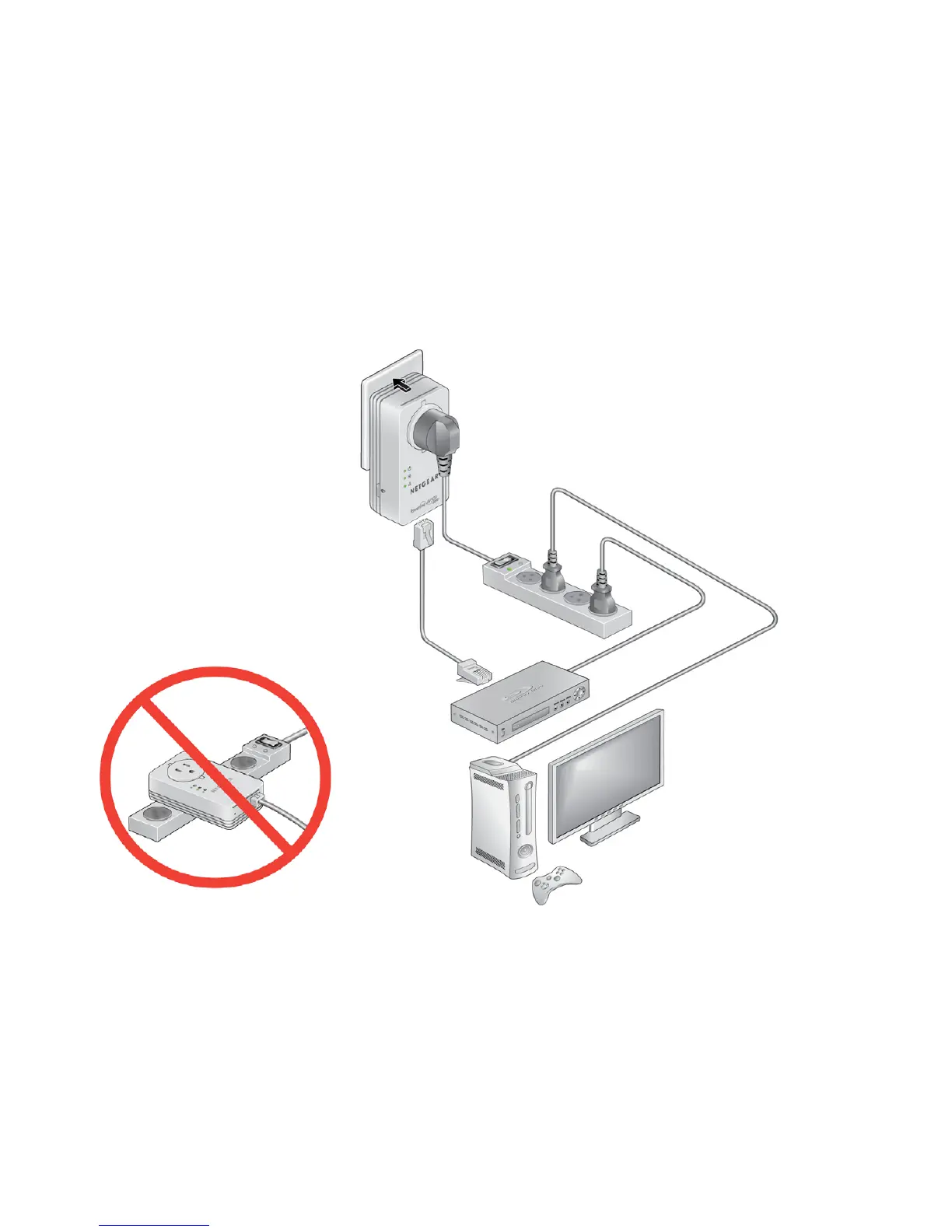
5. Plug the other Powerline adapter into a wall outlet where you want
to add Internet access.
6. Connect the second Powerline adapter to an Ethernet-based
device using an Ethernet cable.
Room B
Your Ethernet-based device (computer, game console, set-top
box, or Blu-ray player) now has Internet access.



 To Next Page
 Loading...