10
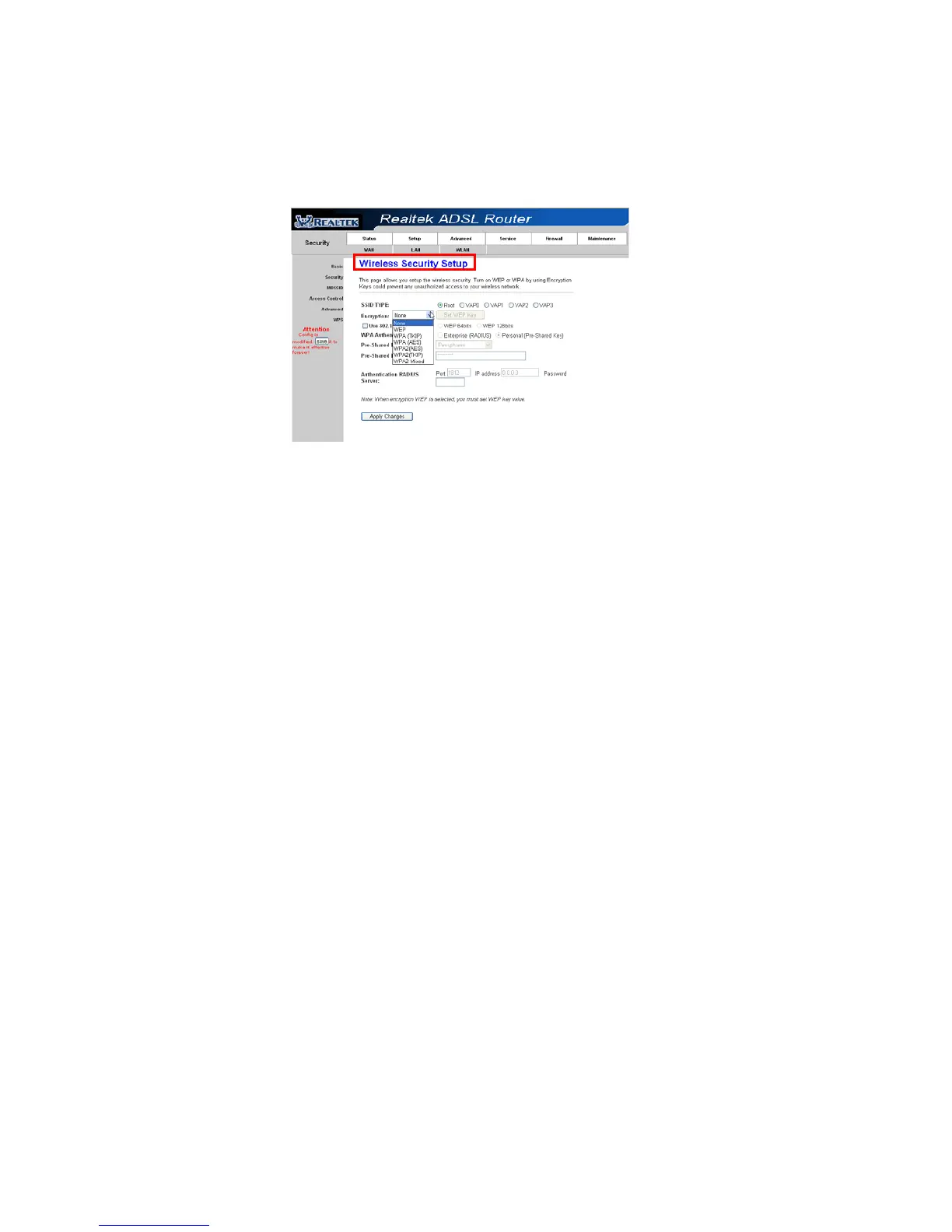
unauthorized access to your wireless network.
There are three most commonly used encryption method (a total of six
encryption support), including the WEP encryption, WPA-Personal,
WPA2-Personal, etc.
Click “Apply Changes” to make it effective
Figure11
Step 3: Click “My Network Places” with the right button of your
mouse.Thenselect“Properties”.



 To Next Page