6. Smar tphone Monitor
6.1 APP Download and Install
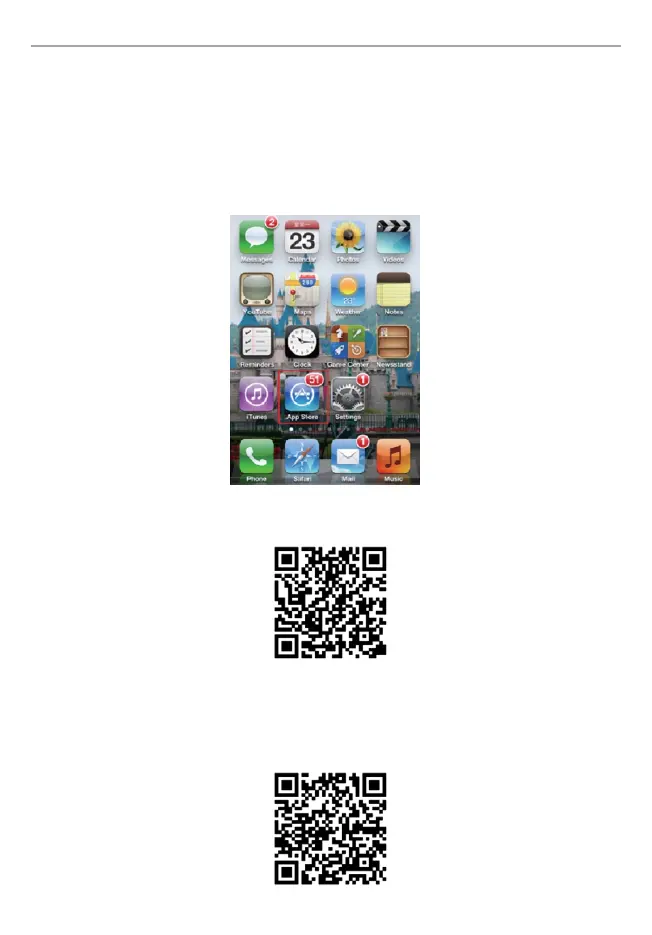
·iPhone & iPad
Method 1: Search “ESEENET+” in APP Store, download and install it.
netis 4CH Wireless IP Camera & NVR Security Kit Quick Installation Guide
12
(Take iPhone as example)
Method 2: Scan the QR code as following into the APP Store to download “ESEENET+”
and install it.
·Android Smartphone
Method 1: Search “ESEENET+” in Google Play, download and install it
Method 2: Visit netis official website: http://netis.system.com, and search “SEK204” to
download the Android APP, or scan the QR code as following to download Android APP
from netis official website.


 To Next Page