WF-2113 User Manual
20
network uses a WEP key, enter the WEP key in the Key field.
Click the OK button to complete the network connection.
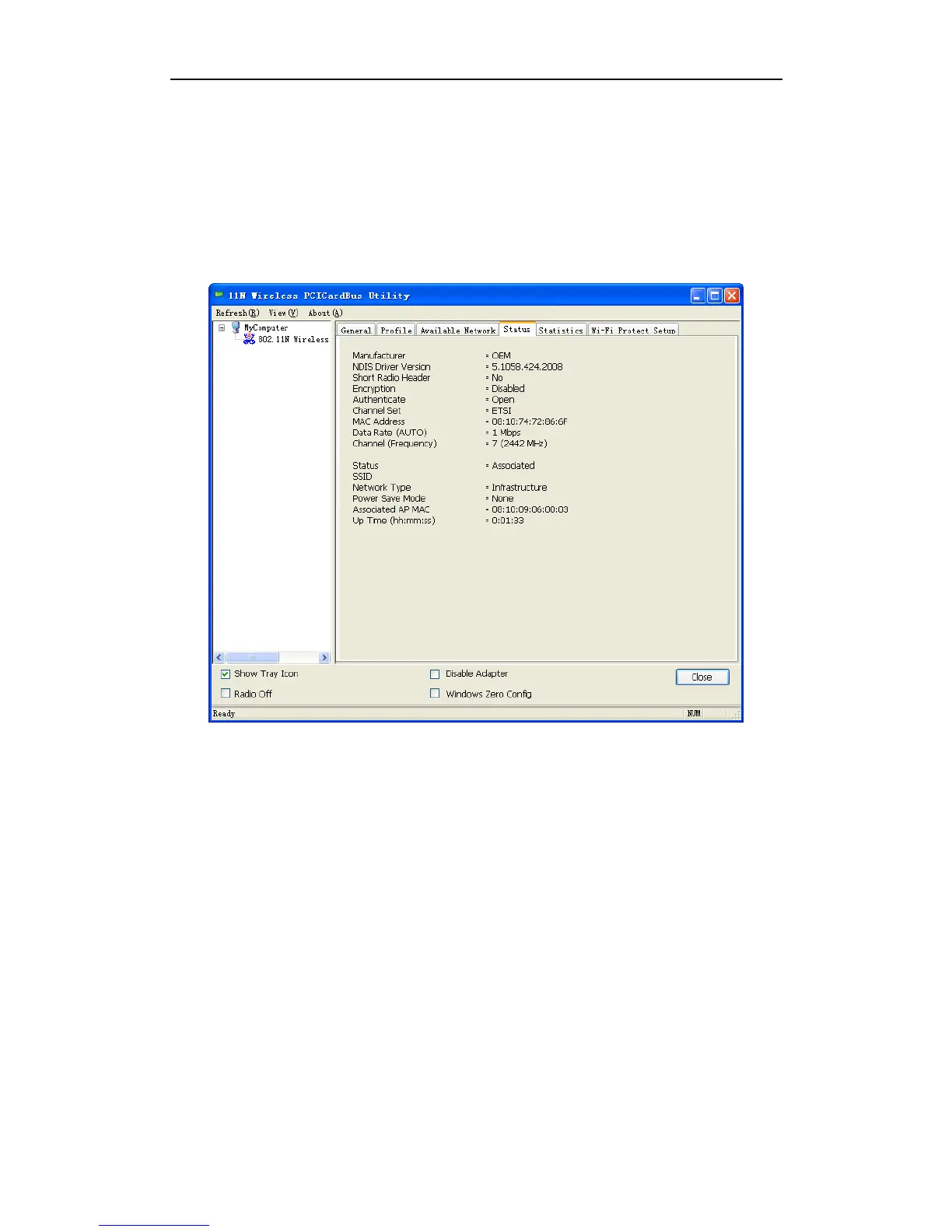
3.4 Status
The Status tab displays the detailed information of current device and wireless connection.
Figure 3-14
3.5 Statistics
The Statistics tab display the stat. value of current wireless connection Tx and Rx, you can
click Reset button to reset value and restart to count.



 To Next Page