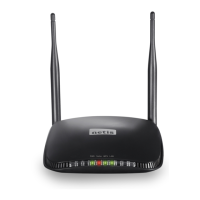
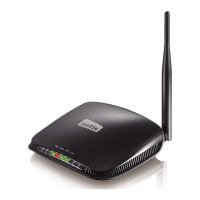
150Mbps/300Mbps Wireless-N AP / Repeater / Router client User Manual
9
Flashing Normal
WPS
Flashing
slowly
WPS is running
OFF WPS is not running
WAN
On WAN Connection normal
Flashing Data transmitting
Off WAN Connection abnormal
1X-4X
On LAN Connection normal
Flashing Data transmitting
Off LAN Connection abnormal
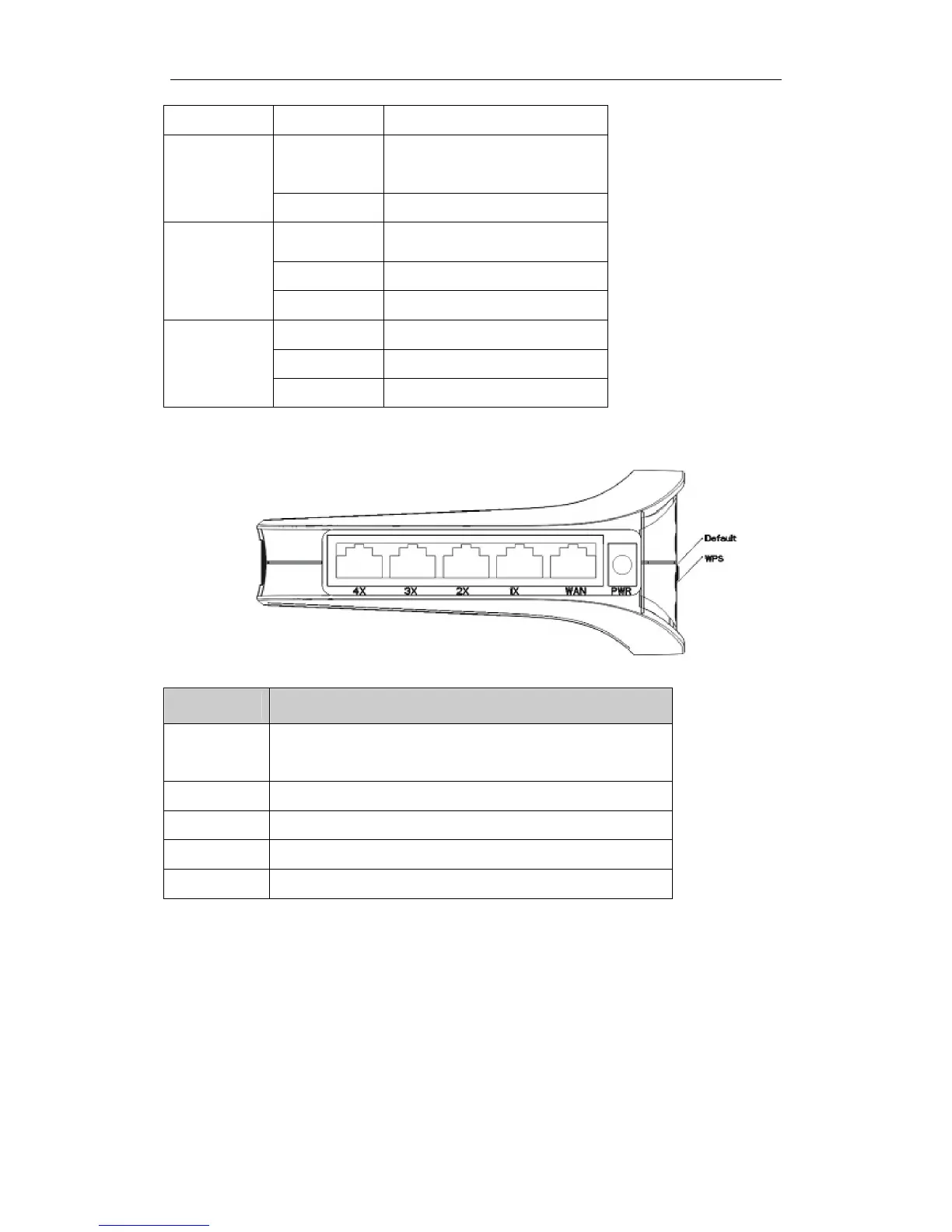
Rear panel
Figure 2-2
Description
Function
SYS
Connect to Power adapter, please don’t use the unknown
power adapter, otherwise your device may be damaged.
Default Restore settings
WPS “WPS” Encryption button
WAN Internet access
1X-4X Connect with computer NIC or Ethernet device
2.3. Restore to factory configuration
If the router ever freezes in a setting change process or if you can’t access it because you can’t
remember the IP you have given it or other problem, you may have to utilize the reset button on
the back of the router to put it back to factory settings. You have to press and hole this button
for a few seconds (2-6s) with a pencil when it is working, then release and it will restore



 To Next Page